
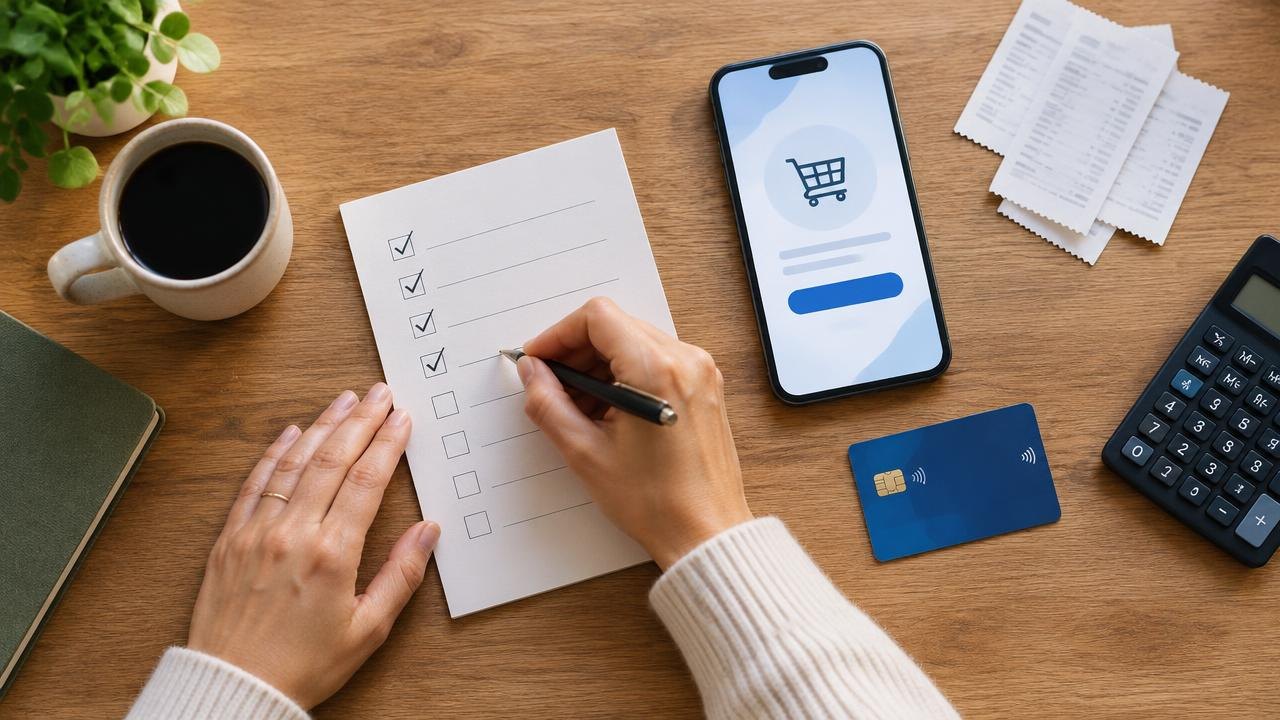
A software deal needs a purchase process just as much as a subscription does. This checklist takes you from defining the job through checking terms, activating access, running realistic tests, and deciding whether to keep the tool before any applicable refund deadline.
How Do You Buy an AppSumo Deal Safely?
Buy only when you can name the workflow, verify the required features, and assign someone to test the purchase promptly. Save the deal terms, check the activation and refund rules for that exact purchase, and schedule a decision date before the relevant deadline. A public roadmap, enthusiastic reviews, or a “lifetime” label should not replace a working demonstration of what you need today.
Prepare a one-page purchase brief
1. Describe the job. Why: A concrete task prevents an interesting demonstration from becoming a purchase without a purpose. How: Write a sentence such as “Our coordinator needs to collect client approvals without chasing email threads.” Name the current process and the person responsible for improving it.
2. Set acceptance criteria. Why: You need an objective basis for the keep-or-refund decision. How: List three essential actions, the necessary integrations, and the output you must be able to retrieve. Separate required features from conveniences.
3. Confirm capacity to test. Why: A purchase can sit unused while its decision window passes. How: Put setup time and a review meeting on the calendar before buying. If nobody can test it, postpone the purchase rather than assuming there will be time later.
This brief is an operational document, not a full investment analysis. Its purpose is to make the promised workflow testable. For example, “better collaboration” is too broad; “a client can approve a document without creating a paid staff account” is something you can verify.
Inspect the product and deal before checkout
4. Separate live features from planned features. Why: A roadmap describes intentions rather than a delivered capability. How: Mark each required feature as available, uncertain, or planned. Ask the vendor to demonstrate uncertain items. Treat a planned essential feature as a reason to wait.
A public roadmap and release history can help you prepare questions about development activity, but neither establishes the vendor's financial health. An empty roadmap is not proof of failure, and a busy roadmap is not a guarantee of delivery.
5. Translate the tier into your usage. Why: Seats, credits, storage, projects, and workspaces measure different things. How: Count your real needs and identify which limit will be reached first. Check whether credits reset, expire, roll over, or require additional payment.
6. Verify integrations precisely. Why: A logo on a product page may represent a limited connection. How: Confirm the direction of data flow, supported actions, required third-party plans, and whether API access or automation is included in the deal tier.
7. Ask a concrete support question. Why: The answer can reveal whether the vendor understands your actual workflow. How: Describe an edge case, such as reconnecting an expired integration, and evaluate the clarity of the response. One answer is a useful sample, not proof of a guaranteed response time.
Save the terms and create a deadline register
Check the exact listing, checkout information, and applicable AppSumo terms of use. For account, licensing, and purchase procedures, consult the official AppSumo Help Center. These are starting points for checking the purchase, not substitutes for product-specific conditions.
Do not assume every product has the same refund period, redemption method, or future-update entitlement. A deadline for redeeming access can be different from a refund deadline. Record both, including the relevant date and time zone when specified.
| Record | What to save | Why it matters |
|---|---|---|
| Product and tier | Exact listing and purchased entitlement | Prevents confusion with a different plan |
| Limits | Seats, credits, storage, workspace rules | Defines realistic test cases |
| Activation | Instructions and redemption deadline | Prevents an unredeemed purchase |
| Refund | Eligibility, process, deadline, exclusions | Establishes the last decision point |
| Updates | Exact future-update wording | Avoids assumptions about new features |
| Ownership | Purchaser and administrator accounts | Keeps access under organizational control |
Save a dated copy or screenshot of the relevant terms along with the receipt, without exposing redemption codes to people who do not need them. If the listing and checkout appear inconsistent, resolve the discrepancy before paying.
If multiple codes or license upgrades are available, verify the permitted process. “Stacking” generally refers to combining eligible codes to obtain higher limits, but do not assume every deal supports it or that adding codes unlocks every feature.
Activate and run a controlled pilot
8. Redeem promptly. Why: Buying and activating are separate actions for some products. How: Follow the purchase instructions, confirm access in the vendor account, and verify that the account shows the purchased tier and limits. Keep the activation confirmation with the receipt.
9. Use sample data first. Why: Early testing can expose permissions, deletion, or integration problems. How: Begin with non-sensitive records and a separate test workspace where possible. Obtain internal approval before uploading customer, employee, or confidential information.
10. Run the whole workflow. Why: A successful login does not prove the tool can replace your current process. How: Create an item, invite the relevant user role, perform the required action, trigger the integration, and export the result. Include an error case, not just the easiest successful path.
Test access control from the other user's perspective. An administrator may see buttons or records that a client, contractor, or standard user cannot. Check whether the workflow still works under the roles you intend to use in production.
Finally, repeat a small task after signing out and back in. This can reveal whether settings persist and whether another person can follow the process without the original tester explaining every click.
Work through an example pilot
Consider a hypothetical agency buying a client-approval tool. Its brief requires three staff users, separate client workspaces, email notifications, and a downloadable approval record. These are hypothetical requirements, not a description of any current AppSumo offer.
The buyer saves the listing and confirms that client reviewers do not consume the same seat allowance as staff. They then create a sample project containing an unimportant document and invite a colleague acting as the client. The colleague approves the document, and the buyer checks whether the resulting record includes the expected information.
Next, the buyer changes the document and tests whether the approval status behaves appropriately. They export the project and ask another staff member to locate the approval without relying on the original account owner's explanation.
Suppose the notification integration fails. The buyer logs the steps, contacts support, and records the response. If the integration is essential and the issue remains unresolved by the internal decision date, they follow the applicable refund process rather than waiting for a promised future fix.
The useful outcome is a documented decision, not necessarily keeping the software. A failed pilot that prevents a disruptive rollout has still done its job.
Close the purchase with a keep-or-exit decision
11. Review against the original criteria. Why: New features can distract from an unmet essential requirement. How: Mark each requirement passed, failed, or unresolved, and identify a responsible person for any workaround. Count workarounds as real operational effort.
12. Complete the administrative follow-through. Why: An unrecorded decision leaves access, expenses, and data unmanaged. How: If keeping the tool, document account ownership, setup steps, usage limits, and an export procedure. If leaving, export needed records, disconnect integrations, and follow the relevant refund and account-deletion instructions.
A refund request and a vendor-account closure may be separate processes. Retain confirmation of the request and check its status through the official account or support channel. Do not assume a support conversation alone has completed the transaction.
After a successful pilot, avoid immediately making the tool your only copy of important information. Introduce it in stages and schedule a later review of usage and exportability. The purchase process should end with a usable, owned workflow rather than a forgotten license.
Questions About Buying AppSumo Deals
What if the redemption code does not work?
Check that you are following the instructions for that product and using the intended vendor account. Contact the official support channel promptly with purchase details, but do not publish the code in a public question or review. Track any applicable deadlines while the issue is investigated.
Should I buy a higher tier before testing?
Only when its additional capacity or features are necessary for the pilot and the terms are clear. Do not assume you can later upgrade, downgrade, or combine licenses. Verify the allowed changes before using them as part of your plan.
Does a promise of future updates cover every new product?
Not necessarily. Read the exact wording about the covered plan, feature set, and any exclusions. A new product, add-on, or differently named tier may be treated separately. Ask about ambiguity before purchasing.
Who should own the vendor account for a team purchase?
Use an organization-controlled account consistent with the vendor's rules, and assign administrators deliberately. Avoid making a departing employee's personal email the only route to an important business tool.
Decide Whether to Keep or Exit an AppSumo Deal
A good buying process turns a promotion into a controlled experiment with clear acceptance criteria and a deadline. Save the terms, test promptly, and finish the administrative steps whether you keep the tool or leave.
Next steps: Read how to evaluate an AppSumo deal's value, learn how AppSumo works, and visit the AppSumo Deals hub.
Sources
- AppSumo — Terms of Use
- AppSumo — Help Center
This guide is general education, not professional purchasing, legal, or security advice.