
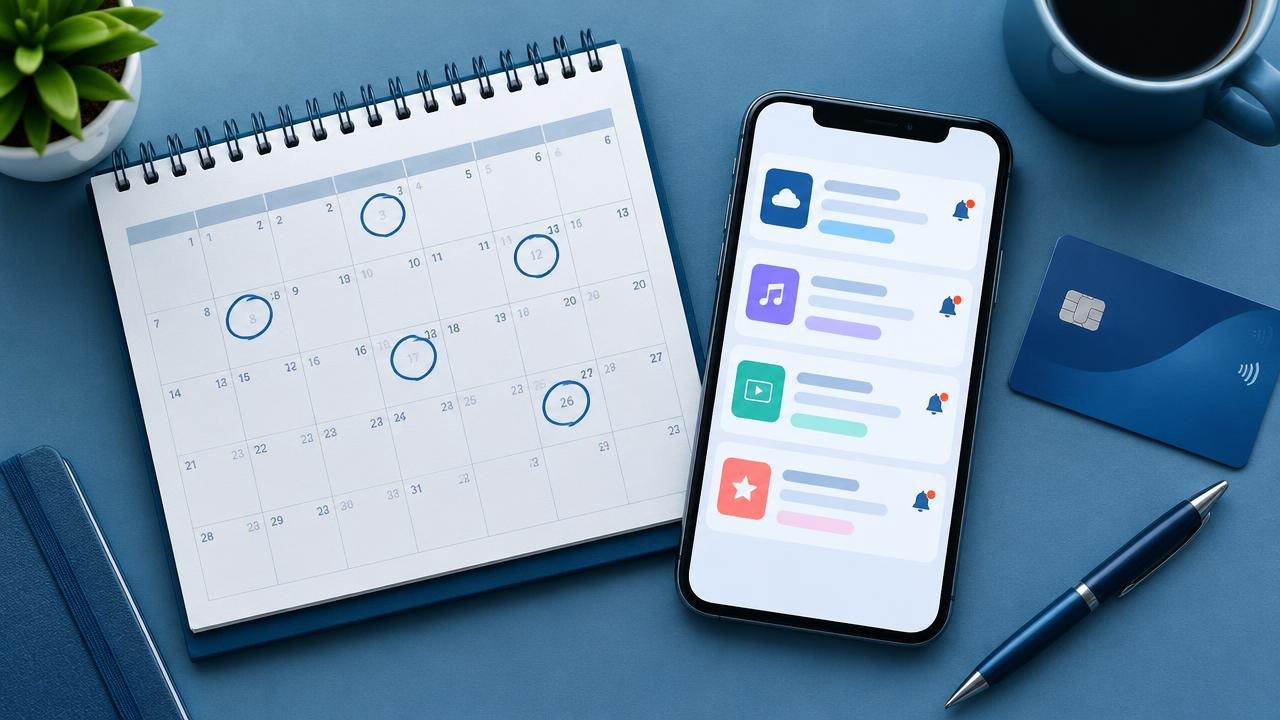
Software renewals are easier to manage when billing dates, decision deadlines, and account ownership live in one reliable place. This guide shows you how to build that record, schedule a review, and close the loop when you renew, downgrade, or cancel.
How Do You Keep Track of Software Renewal Dates?
Keep a shared subscription register with a named owner, the exact plan, billing interval, next charge date, and cancellation instructions. Work backward from any notice deadline rather than waiting for the charge itself. Review actual need before renewing, and retain confirmation of every change alongside the original purchase terms.
Build a register that answers operational questions
A spreadsheet is enough for a household or small team if someone maintains it. A calendar alone is not enough: an alert saying “renewal soon” leaves the person responding to discover the contract, billing account, and cancellation process under pressure.
Create one record per agreement, not simply one record per product name. The same application might have a direct subscription, an app-store subscription, and a separately billed team workspace. Those can have different owners and cancellation paths.
Use these fields as a starting point. Add information only when it helps someone make or carry out a decision.
| Field | What to record | Why it matters |
|---|---|---|
| Product and workspace | Name, account email, workspace identifier | Avoids changing the wrong account |
| Owner and backup | Person responsible and alternate contact | Prevents an orphaned renewal |
| Plan and quantity | Tier, seats, storage, add-ons | Shows what is actually being renewed |
| Billing channel | Vendor, app store, or reseller | Identifies where changes must happen |
| Dates | Charge date, notice deadline, term end | Separates three different events |
| Cost and currency | Current charge and known renewal basis | Supports budgeting without guessing |
| Evidence | Links to order, terms, invoice, confirmations | Makes the record auditable |
| Decision status | Review, renew, reduce, cancel, or unresolved | Makes follow-up explicit |
Do not put passwords, recovery codes, or full payment-card details in the register. Keep access credentials in an appropriate password manager, and limit editing rights to people who need them. CISA recommends strong, unique passwords and password managers as part of safer account management (CISA guidance).
Find the dates and identify the billing channel
1. Reconcile what you pay for. Why: Remembering only frequently used tools misses quiet recurring charges. How: Review invoices, purchasing records, app-store subscriptions, and relevant payment statements. Ask owners to identify the workspace associated with each charge. Investigate duplicates rather than immediately canceling an unfamiliar name that could be a billing entity.
2. Check the live account against the purchase record. Why: An old receipt may not show a later upgrade or billing change. How: Open the subscription settings, note the currently displayed renewal information, and save the relevant contract or order confirmation. Record when you checked it. If two records disagree, mark the date as unconfirmed and ask the billing provider for clarification.
3. Separate the deadlines. Why: A contract can require action before the next payment date. How: Record the last date to give notice, the date access ends, and the expected charge date separately. If there is no notice requirement visible, write “not found” rather than assuming cancellation is possible until the final minute.
4. Identify who can act. Why: The person using a tool may not control the subscription. How: Confirm the billing administrator and any required approval. For Apple-billed subscriptions, Apple's instructions describe cancellation through the relevant Apple account and settings; use the billing channel's process rather than assuming the software vendor can cancel it (Apple support).
Set reminders around the work, not just the payment
Choose reminder timing according to the effort needed to make a safe decision. A personal utility might need only a short review. A shared database or design platform might need exports, replacement testing, stakeholder approval, and a migration window. There is no universal reminder interval that fits both.
Use a review reminder, a decision deadline, and a verification reminder. The review reminder starts the work. The decision deadline leaves room to execute the change before the contractual cutoff. The verification reminder checks that the requested outcome actually happened.
Put a link to the register entry in each calendar event. Include the owner, backup, and the next action. “Decide whether to retain six seats by Tuesday” is more actionable than “software expires.” Keep the detailed contract evidence in one place so changing a deadline does not create conflicting copies.
For a hypothetical example, imagine an annual subscription charges on October 1 and its agreement requires notice by September 1. The owner might start the review on August 1, set an internal decision deadline of August 20, and verify the cancellation acknowledgment before September 1. These are illustrative dates, not a recommended notice period or a statement about any vendor's terms.
If the team needs longer to export data, move the review earlier. A reminder scheduled after the notice deadline is a record of a problem, not a useful control.
Run a small renewal review
The purpose of the review is to decide whether the existing subscription still earns its place. It is not automatically a reason to run a full product search. Start with the current workflow, the number of people who need access, and the consequences of changing it.
Ask the owner to document the intended outcome and one observable sign of value. For example, a shared reporting tool might be retained because it delivers a required client report, not because employees logged in several times. Usage reports can help, but a rarely used compliance or recovery tool may still be important. Interpret activity in context.
Compare the purchased quantity with expected need for the next term. Check whether departing staff, completed projects, or overlapping tools change the requirement. Before removing accounts, establish who owns their documents and whether access or retention depends on the license.
Keep the result short: renew unchanged, reduce quantity, change billing arrangement, investigate an alternative, or cancel. Record who approved the decision and any conditions. If the renewal price is unknown, do not quietly reuse the introductory charge in the budget; flag the amount for confirmation.
For a low-risk uncertainty, set a bounded experiment before the deadline. A team might pause an optional workflow and see whether a replacement process works. Define who observes the outcome and what would make the experiment stop. Never remove essential access merely to generate a usage signal.
Execute changes and retain proof
Cancellation, stopping renewal, deleting an account, and obtaining a refund are different actions. Read the confirmation screen to learn which action you are taking and when it becomes effective. Do not assume stopping future billing immediately returns the last payment.
Google Play's subscription guidance explains that uninstalling an app does not cancel its subscription. It also describes cancellation and remaining access for subscriptions billed through Google Play (Google Play help). Treat this as a concrete reason to verify the billing settings, not as a rule for every contract.
Before closing an account, export necessary records and check dependencies such as shared files, automations, integrations, and client access. Where possible, verify an export by opening it in the format you expect to use later. A downloaded archive is not automatically a usable replacement for an active workspace.
Save the confirmation email, reference number, effective date, and relevant account screen. Mark a requested cancellation as pending until its status is clear. If support must process the request, keep the conversation and track the unresolved item through the notice deadline.
For renewals, save the new order and update the next review cycle immediately. For reductions, check both the licensed quantity and the next invoice. If an unexpected charge appears, compare it with your evidence and contact the billing provider promptly; the appropriate remedy depends on the agreement and circumstances.
Keep the process alive as people and plans change
Assign one person to maintain the register's structure, but leave product decisions with the relevant owners. A central coordinator cannot reliably judge every team's requirements. Their job is to make missing owners, incomplete dates, and overdue decisions visible.
Update the entry when purchasing, upgrading, changing seats, moving billing channels, or transferring ownership. Include subscription ownership in staff handovers. Otherwise, even a perfect annual review can be undermined by an unrecorded midyear change.
Periodically reconcile the register against actual billing records. Look for unknown charges, canceled items still being billed, and active tools with no named owner. Choose a review frequency that fits your transaction volume, and record the last reconciliation date so everyone knows how current the list is.
Questions About Deals Subscription Renewal
Can I manage renewals without specialized software?
Yes. A shared spreadsheet, calendar reminders, and controlled document storage can support a small portfolio. Consider a dedicated system when manual updates become unreliable or you need more approval controls, not simply because a tool exists.
Should I turn off automatic renewal immediately after buying?
That can reduce forgotten renewals where the provider allows it without disrupting service, but inspect the effect first. Some changes affect access or plan benefits. Save the displayed end date and arrange a reminder if continued access will matter.
What if nobody knows who owns a subscription?
Assign a temporary investigator, trace the charge to a billing account, and ask relevant teams about dependencies. Do not delete a business-critical account purely because its owner is missing. Set a resolution deadline and then assign permanent ownership.
Should canceled subscriptions stay in the register?
Keep a historical entry with its cancellation evidence and effective date. Separate inactive items from the active view so reminders remain useful while the record is available if a later charge needs investigation.
Making Sense of Deals Subscription Renewal
A useful renewal system connects evidence, ownership, and enough time to act. The goal is not simply to remember a date; it is to finish a considered decision before your options narrow.
Next steps: Use the software deal evaluation guide for the financial decision, learn discount and promotion basics, or explore the Software Discounts hub.
Sources
- Apple — If you want to cancel a subscription from Apple
- Google — Cancel, pause, or change a subscription on Google Play
- CISA — Use Strong Passwords
This guide is general education, not legal or financial advice.