
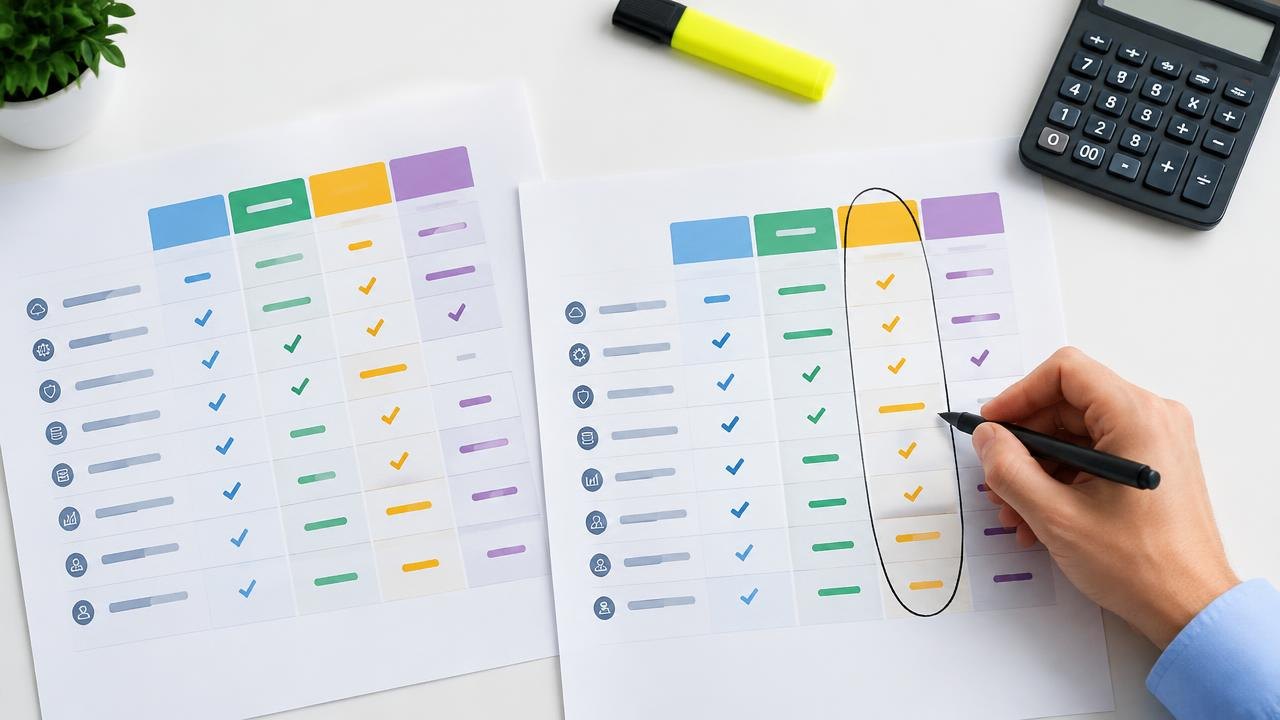
A SaaS deal is worth considering only when the software fits your work and its full cost fits your budget. This guide gives you a repeatable way to compare shortlisted subscriptions, test the important promises, and decide when a lower price is not a better purchase.
How Do You Evaluate and Compare SaaS Deals?
Compare SaaS deals against the same requirements, usage assumptions, and ownership period—not their headline discount percentages. Reject products that fail essential workflow, security, or data-export requirements before scoring price. Then compare the total cost through renewal, including implementation, support, and a realistic exit.
Define the job before comparing offers
Write a short purchase brief before opening competing proposals. Identify the task the product must improve, who will use it, and what happens if you do nothing. A tool replacing an unreliable manual handoff has a different purpose from a tool adding an optional reporting dashboard.
Separate requirements into three groups: mandatory, useful, and unnecessary. Mandatory requirements should describe observable outcomes. “Connects to our accounting system and transfers invoice status without retyping” is more useful than “has integrations.” Useful features can influence the result, but should not rescue a product that fails a mandatory requirement.
Name an owner for each important judgment. Finance can validate the budget, frontline users can check the workflow, and whoever manages your systems can assess access controls and exports. A small business may assign several roles to one person, but the questions still need answers.
Also define the alternative. It might be keeping your existing subscription, simplifying a process, or buying nothing. Comparing every offer only with another paid product can make an unnecessary purchase seem inevitable.
Normalize the full cost of each proposal
Use the same period for every comparison. A two-year view is useful when an introductory term lasts one year; longer commitments may need a longer horizon. Show the first payment separately from the full-period total so affordability is not confused with value.
Record the actual plan, billable seats, included usage, payment schedule, and renewal assumptions. A monthly equivalent can hide an annual upfront payment. Similarly, a lower unit rate may require buying seats that will remain unused.
| Cost or condition | What to record | Why it matters |
|---|---|---|
| Subscription | Exact tier and billing unit | Similar labels may cover different capabilities |
| Promotion | Eligible period and exclusions | A headline reduction may cover only part of the bill |
| Renewal | Stated rate or documented assumption | Savings can disappear after the first term |
| Setup | Migration, configuration, training | Adoption requires money or staff time |
| Usage | Included allowance and overage method | Growth can change the comparison |
| Exit | Export, overlap, cancellation obligations | Leaving may cost more than expected |
Microsoft's business subscription FAQ illustrates why payment frequency, subscription commitments, and cancellation terms should be checked separately. Treat a vendor's own agreement and order form as the authority for the offer you are assessing, not another product's terms.
Include internal effort without pretending it is perfectly measurable. Estimate migration hours as a range and identify the employee whose time is needed. Keep cash expenditure separate from staff-time estimates so the budget owner can see both.
Test product fit with a small acceptance plan
A trial should answer purchase questions rather than become an unstructured tour of features. Choose a few representative tasks, including one difficult edge case. Use sample or appropriately approved data, especially if the product will handle customer or employee information.
- Run the core workflow. Why: A feature list does not establish usability. How: Ask an intended user to complete a real sequence, such as receiving a request, assigning it, approving it, and producing a report.
- Check the integration boundary. Why: “Integration available” may mean a paid connector or a one-way transfer. How: Confirm direction, update frequency, field coverage, permissions, and failure handling on the quoted plan.
- Try administration and departure. Why: Your team must manage access and eventually retrieve its records. How: Add and remove a test user, change permissions, and export a sample dataset with attachments where relevant.
- Record adoption friction. Why: A capable product can still consume excessive training time. How: Note unclear steps, required workarounds, and support questions instead of relying only on first impressions.
Do not count roadmap promises as delivered functionality. If an essential feature is unavailable, either postpone the purchase or evaluate the product without it. A demonstration can inform a decision, but it is not evidence that your team can operate the complete workflow independently.
Separate vendor risk from sales polish
Assess risk in proportion to the importance of the work. An optional design tool and the system holding your only customer records need different scrutiny. A steep discount alone does not prove instability, and an established name does not eliminate service or contractual risk.
For business-critical software, ask about support scope, incident communication, backup responsibilities, and usable exports. Review the service-level agreement for covered services, exclusions, and remedies; a service credit does not necessarily compensate for your operational loss.
Check administrative security as part of value, not as an optional upgrade after purchase. CISA explains that multifactor authentication adds protection beyond a password. Ask whether the required authentication method, account recovery process, and access controls are available in the proposed tier.
Keep evidence proportional and specific. A security document is more useful when it covers the service you will buy. A public status history can reveal how incidents were communicated, but it cannot guarantee future availability. References from similar customers can raise useful questions without substituting for your own trial.
Work through a like-for-like example
Consider a hypothetical team comparing two tools for ten users over two years. All amounts below are invented calculation inputs, not advertised prices. Assume both products pass the essential workflow and security checks, and that taxes and usage charges are excluded equally.
Tool A costs $900 for the first year, $1,800 for the second, and $600 for setup. Its two-year cash cost is $3,300. Tool B costs $1,300 each year and $200 for setup, producing a two-year cash cost of $2,800.
The cheaper introductory offer therefore costs $500 more across the comparison period. If Tool A saves substantial recurring work, it might still be preferable—but that claim needs evidence from the trial, not enthusiasm about the discount.
Now add a hypothetical growth case: five more users join halfway through the second year. Ask both vendors to price that exact event. A minimum-seat package, annual seat lock, or prorated addition could change the result. Do not assume every provider bills a partial year in the same way.
Finally, consider an exit scenario. If Tool B needs a separate export service or longer parallel operation with the old system, add that estimate visibly. The point is not to forecast every dollar precisely; it is to expose which assumptions can reverse the decision.
Make a decision you can explain later
Use mandatory checks first, then a simple weighted comparison for the products that remain. For example, allocate hypothetical weights of 40 points to workflow fit, 25 to total cost, 20 to administration and reliability, and 15 to implementation effort. Choose weights before scoring proposals so the attractive offer does not dictate the rules.
For every score, attach evidence: a completed trial task, a written contract term, or a documented unknown. Avoid averaging away a major unresolved risk. If data export is essential but unverified, mark the decision pending rather than giving it a neutral score.
Write a short approval note explaining the chosen product, the rejected alternative, the expected benefit, and the conditions that would trigger reconsideration. Record the renewal owner and notice deadline immediately. This gives the next reviewer a useful baseline rather than a forgotten promotional email.
Questions About Evaluating SaaS Deals
What if two products score almost identically?
Focus on the assumptions that could change the result. Run an additional task with actual users or request a written answer about the uncertain cost. If the difference remains small, prefer the option with a manageable commitment and a clearer exit rather than inventing precision in the scoring.
Should a public roadmap influence the comparison?
It can help you understand direction, but do not pay for essential capabilities that are merely planned. Evaluate the available product and current contractual commitments. Treat future functionality as uncertain unless the agreement gives you specific protections you are prepared to rely on.
How should we value staff time saved?
Start with a measured task and a conservative frequency estimate. Distinguish time released for other work from cash savings: saving an hour does not automatically reduce payroll. Document the assumptions and review them after adoption before treating the benefit as proven.
Can a smaller vendor still be the better choice?
Yes. Product fit, support quality, and manageable exposure can outweigh company size. For a critical process, make sure you have usable exports and a continuity plan. Vendor size alone should neither disqualify a strong option nor excuse missing safeguards.
Choose a SaaS Deal You Can Justify
The best SaaS deal is the product that meets your requirements at an acceptable total cost and risk. A defensible comparison makes renewal assumptions, implementation effort, and unresolved questions visible before payment.
Next steps: Use the pre-purchase deal checks before approving an order, review SaaS discount models to decode the quote, or explore the SaaS Deals hub.
Sources
- Microsoft — Microsoft 365 for business FAQ
- CISA — Turn On MFA
This guide is general education, not financial, legal, or purchasing advice.