
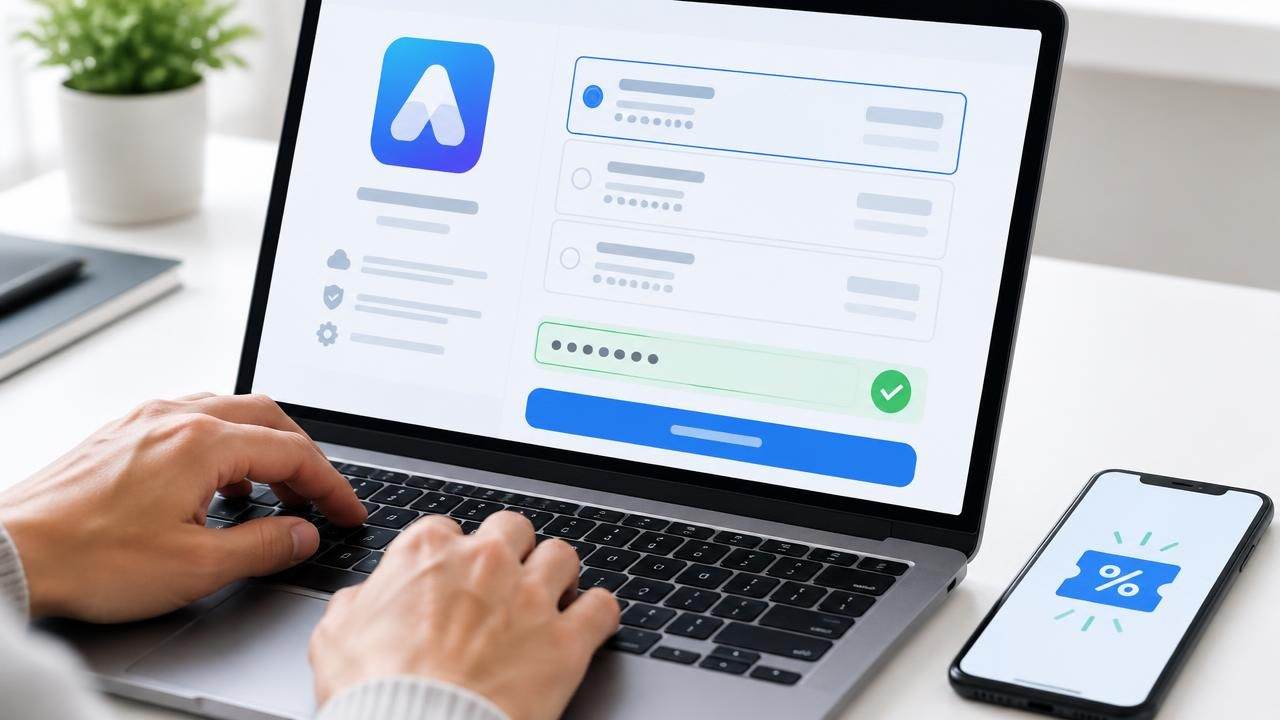
Finding a software coupon is only the beginning: you also need to establish that the source is trustworthy, your account qualifies, and the final order reflects the promised terms. This guide gives you a practical search-to-receipt workflow, including what to do when checkout rejects a code.
How Do You Find and Apply Software Coupon Codes?
Start with the software provider's own pricing, promotion, and help pages, then check clearly identified authorized partners if necessary. Read the eligibility and billing terms before entering a code, and verify the final payable amount before authorizing payment. If something fails, troubleshoot the specific error rather than repeatedly trying unrelated codes or changing account details.
Prepare your account and purchase details
Before searching, decide which product, plan, billing period, and number of seats you need. Have the correct account or workspace selected. A valid offer for an individual account may not apply to a business workspace, and an offer for a new subscription may not apply to an existing renewal.
Record your current status honestly: new customer, active subscriber, former subscriber, or trial user. Do not create duplicate accounts to bypass restrictions. Eligibility can depend on subscription history as well as the email address you enter.
If you are buying for an organization, confirm who can approve the purchase and who has billing permissions. Some purchases happen through an app store, reseller, or procurement portal rather than the software provider directly. Look for terms specific to that payment route; a code intended for direct checkout may not transfer to another channel.
Keep this preparation short. A few minutes identifying the correct purchase prevents a long search for an offer that cannot apply to it.
Find a trustworthy offer without oversharing
-
Start on the official website. Why: It is the best place to establish the vendor's actual terms. How: Open the provider's known domain yourself, then check pricing, promotions, help articles, and account billing notices. Avoid relying on an advertisement's appearance as proof of identity.
-
Check direct communications carefully. Why: An email can contain a legitimate offer but can also impersonate the vendor. How: Inspect the destination before following a link. When uncertain, navigate to the provider independently and ask support whether the offer is genuine.
-
Use partner offers selectively. Why: A listing on a coupon page does not establish authorization or eligibility. How: Look for a clear explanation of the partnership and verify material restrictions with the provider. Treat unexplained “verified” badges as claims, not guarantees.
-
Stop when the search costs more than it can save. Why: Repeatedly testing expired codes consumes time and can distract from the actual buying decision. How: Set a search limit, then evaluate the best verified option or postpone a nonessential purchase.
Be cautious if a page demands unrelated personal information, payment details, or a software download merely to reveal a code. A discount does not justify giving an unknown party access to your browsing or business accounts.
Browser extensions deserve a separate permissions review. Google's Chrome Web Store guidance explains extension installation and permission management. For a managed work browser, follow your organization's policy rather than installing a coupon helper as an exception.
Verify terms before opening checkout
Make a small eligibility note before applying an offer. Include the exact code or official promotion link, where you found it, the stated expiry, and any limits on region, account type, plan, or billing period. If an expiry includes a time zone, use that rather than assuming the offer lasts until your local midnight.
Distinguish the last date to redeem an offer from the duration of the discount after redemption. A code might be redeemable only during a short window but apply to several invoices. Conversely, an offer with no obvious redemption deadline might reduce only the initial payment.
| Check | What to confirm | What to do if unclear |
|---|---|---|
| Account eligibility | New, existing, trial, or returning customer | Ask support about your account status |
| Product scope | Plan, seats, add-ons, and usage | Request the eligible-item list |
| Billing period | Monthly or annual commitment | Compare the actual amount due now |
| Duration | First invoice or later invoices too | Ask for the renewal treatment |
| Combination rules | Other offers or negotiated pricing | Do not assume codes stack |
| Refund terms | Cancellation and prepaid-period treatment | Read the policy before paying |
Stripe's subscription discount documentation shows that promotion systems can impose product, redemption, and other restrictions. These possibilities explain why a real code may still be unsuitable for a particular purchase; they do not establish your vendor's specific rules.
Apply the code and inspect the final order
-
Open the intended plan from a trusted location. Why: A promotion link may preselect a different tier or billing period. How: Confirm the product, workspace, seat count, currency, and monthly or annual selection before entering payment details.
-
Enter the code exactly as supplied. Why: Typing errors or extra whitespace can prevent recognition. How: Paste carefully into the promotion field and use its apply button. If the offer uses a link, check that the promised reduction appears rather than assuming the click activated it.
-
Review the entire order. Why: A success message does not prove every item received the reduction. How: Check eligible line items, subtotal, discount, taxes, extra charges, and total due now. Also inspect renewal frequency and the future amount when displayed.
-
Pause if the result differs from the terms. Why: Paying first can leave you dependent on a refund or discretionary adjustment. How: Save the order details without exposing payment information and ask support to resolve the discrepancy before completing the transaction.
Stripe's Checkout discount documentation describes how merchants can enable customer-entered promotion codes or apply discounts in Checkout. A missing field may therefore reflect the merchant's setup rather than a problem with your browser.
Follow a worked checkout example
Suppose, hypothetically, that a team buys three eligible seats at $20 each per month and has an offer reducing the first invoice by 25%. Before tax, the eligible subtotal is $60 and the reduction is $15, producing a $45 first payment. With no continuing reduction or other changes, the next monthly subtotal would be $60.
If the checkout instead shows a $5 reduction, do not assume it is close enough. That amount would match 25% of one $20 seat, which suggests the offer may cover only one seat or one eligible line. Compare the displayed explanation with the written terms and ask support if they disagree.
If the checkout switches to annual billing, recheck the entire calculation. A monthly equivalent is not the amount payable today when an annual term is charged upfront. The example's purpose is to reconcile the displayed order, not to suggest any current product price or offer.
Troubleshoot errors without weakening account security
Start with the error message. “Expired,” “not eligible,” and “minimum amount not met” describe different problems. Recheck the source terms, the selected plan, your account, and the exact text of the code before trying browser changes.
If the page appears stuck, refresh only after confirming that no payment has been submitted. Check account billing history before resubmitting a purchase. Repeated clicks on a payment button are not a useful way to diagnose a missing discount.
A private window can sometimes help isolate browser-state issues, but it also starts a different session and may lose referral or cart information. Sign in to the intended account and revalidate the order. Clearing cookies is not a universal fix and should not replace checking eligibility or respecting promotion restrictions.
For support, provide the code, source URL, selected plan, account status, exact error text, and a redacted screenshot. Never send passwords, one-time sign-in codes, or full card details. Ask whether the code can apply before payment and whether a corrected quote is available.
After a successful purchase, save the receipt, offer terms, and confirmation. Record when promotional pricing ends and who will review the renewal. A screenshot of the checkout can supplement those records but should not replace the actual invoice or contract.
Questions About Applying Software Coupon Codes
Can support apply a code after I have paid?
Possibly, but do not assume it. Adjustment and refund policies vary. Contact the provider promptly with the receipt and offer terms, and avoid buying again solely to capture the promotion unless support has explained how the original purchase will be handled.
Why is there no promotion-code field?
The checkout may not support manual codes, may use an automatic promotion, or may belong to a different billing channel. Check the offer instructions and ask the provider where it should be redeemed rather than modifying the checkout page.
Should I install an extension to reveal a hidden code?
Not without evaluating the publisher, permissions, and organizational policy. Manually checking official offers avoids granting an extra application access merely to search for a discount. A promised saving is not evidence that an extension is appropriate.
What evidence should I keep if the discount is missing?
Keep the offer URL, relevant terms, date, order identifier, and a redacted view of the discrepancy. Preserve the provider's written response as well. These records help support understand the issue without exposing sensitive account information.
Verify Coupon Terms Before Completing Checkout
A reliable coupon workflow ends with a correct order, not merely a code that appears to work. Verify the source and terms, reconcile the final total, and preserve the billing record so the first renewal does not become a surprise.
Next steps: Learn the meaning of common coupon terms, compare the economics of competing deals, or visit the Coupons hub.
Sources
- Stripe — Discounts for subscriptions
- Stripe — Add discounts with Checkout
- Google — Install and manage extensions
This guide is general education, not financial, security, or purchasing advice.