
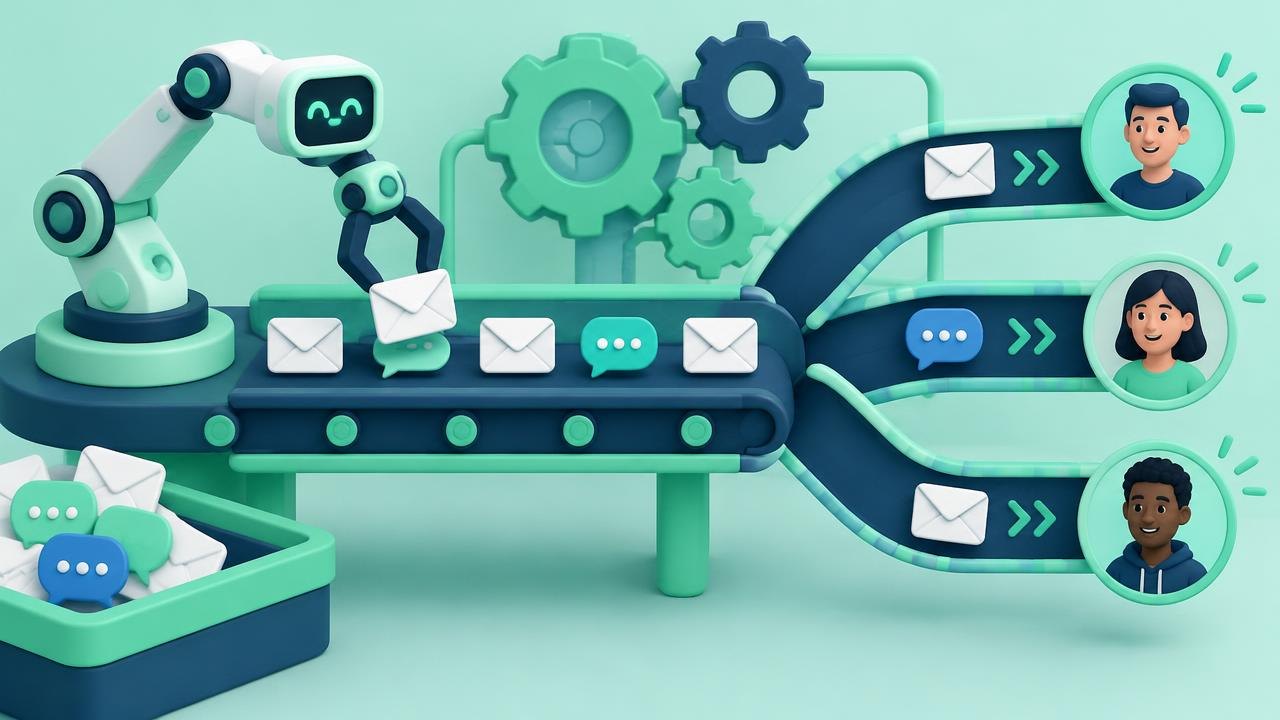
Marketing automation helps a business respond consistently when people subscribe, ask questions, or become customers. This guide explains the moving parts, where automation is useful, and how to judge whether a simple automated process is serving customers rather than just sending more messages.
What Is Marketing Automation?
Marketing automation is software that carries out marketing actions according to rules, schedules, and customer information. A trigger starts a process, conditions determine who qualifies, and actions deliver a message or update a record. People still need to choose the goal, write useful content, obtain appropriate permission, and monitor what happens.
What marketing automation includes
Think of automation as a coordination layer rather than a replacement for a marketing team. It connects a business event with a planned response: a subscription can lead to a welcome message, while a completed purchase can stop a prospecting sequence. Salesforce's marketing automation guide describes its role in managing marketing processes and campaigns across channels.
Email is a common channel, but automation can also involve audience updates, internal notifications, and sales handoffs. Which actions are possible depends on the product and its integrations. Scheduling a social post is automation in a broad sense, but it does not necessarily involve the customer-level rules used in a lifecycle campaign.
Three related concepts are worth separating. Email marketing is the practice of communicating through email. A customer relationship management system, or CRM, holds information about customers and business interactions. Marketing automation uses information and rules to coordinate actions; it may include email features and connect to a CRM, but these terms are not interchangeable.
The useful question is not whether a tool can automate something. It is whether the customer benefits from the response being timely, relevant, and consistent. An unnecessary message delivered instantly remains unnecessary.
The building blocks of an automated process
Most systems can be understood through a few basic components. Platform terminology varies, so compare the function rather than relying on a feature name.
| Component | Meaning | Simple example |
|---|---|---|
| Contact record | Information associated with a person | Email address and subscription status |
| Trigger | An event that starts a process | A requested guide is delivered |
| Condition | A rule that checks eligibility | Contact has opted into related messages |
| Delay | A wait before the next action | Wait two days before a follow-up |
| Action | Something the system does | Send a message or notify an employee |
| Exit rule | A reason to stop participation | Person unsubscribes or purchases |
A trigger is not always a website visit. It might be a date, a changed field, or a form submission. Some triggers also depend on tracking technology and identity matching; an anonymous visit does not automatically reveal who the visitor is.
Mailchimp's customer journey documentation illustrates how starting points, rules, and actions can form a customer journey. Treat that as a product-specific example, not a promise that every platform supports identical functions.
Entry and exit rules deserve equal attention. A process that starts correctly but never stops can continue selling to existing customers, contact people after they withdraw permission, or create conflicting conversations with sales staff. A customer should not have to understand your software to escape an irrelevant sequence.
How segmentation and personalization actually help
Segmentation groups contacts using relevant shared characteristics. Examples include customers versus prospects, stated product interests, or an appropriate service region. Personalization then adapts a message to information about an individual or segment.
Start with explicit information before relying heavily on inferred behavior. A person selecting “beginner tutorials” gives a clearer signal than someone opening one email. Opens can be affected by privacy features and automated loading, while clicks may also include automated activity. Treat behavioral signals as evidence to interpret, not direct access to a person's intentions.
Personalization does not have to mean inserting a name into a subject line. Sending a setup guide relevant to the product someone purchased is often more useful. Conversely, referring to an unexpectedly detailed browsing history can feel intrusive even when the technology permits it.
Use a fallback whenever a field may be absent. If a first-name field is empty, a greeting should still read naturally. If a product preference is unknown, send genuinely general material or ask for preferences rather than inventing an interest.
Maintain only the information needed for a clear purpose. Collecting more fields creates more maintenance, access-control, and accuracy work. Permission to deliver a requested item should not be assumed to mean permission for every future campaign; applicable requirements depend on the location and type of communication.
A worked example: following up on a requested guide
Consider a hypothetical business that provides bookkeeping software. A visitor requests a guide about organizing receipts and separately agrees to receive related educational emails. The immediate task is to deliver the guide; the broader marketing goal is to identify people who want help choosing a suitable service.
The process first sends the requested material. It then checks whether the contact is eligible for the educational sequence. After a planned delay, it sends a short receipt-organization lesson with an optional invitation to ask a question. If the person requests a demonstration, an employee receives a notification. If the person unsubscribes or becomes a customer, the prospect sequence ends.
Suppose, using hypothetical numbers, 100 eligible contacts enter the sequence and 8 request a conversation. That is an 8% conversation-request rate among entrants. It is not evidence that automation caused eight additional sales: some people might have contacted the business anyway, and a conversation is not a completed purchase.
This example also exposes operational questions. Who answers the eight requests? What happens to a duplicate contact? Could a sales representative send a separate promotion at the same time? A useful process needs ownership and coordination, not merely an attractive flowchart.
Where automation fits, and where people should stay involved
Good candidates are repetitive tasks with clear inputs and a predictable, low-risk response. Delivering requested resources, sending agreed reminders, and routing inquiries can fit this description. They remove avoidable waiting without requiring the software to interpret a complex situation.
Poor candidates include unresolved complaints, sensitive negotiations, and unusual requests that depend on judgment. A complaint should not automatically receive a cheerful promotion because the person clicked a product link earlier. Establish a way to pause marketing activity when a human conversation takes priority.
Lead scoring can help teams organize attention, but it is a business-defined prioritization method, not an objective measurement of purchase intent. A high score might reflect research, repeated browsing, or tracking noise. Combine behavioral indicators with stated needs and agree with sales on what qualifies for a handoff.
Small businesses can benefit without building elaborate scoring systems. One dependable welcome process may be more valuable than several overlapping campaigns. Automation amplifies the quality of its underlying process; it also amplifies stale records, unclear offers, and inconsistent responsibilities.
Measure usefulness before adding complexity
Choose one outcome close to the business purpose. A requested consultation, completed onboarding step, or reduction in unanswered inquiries may be more informative than the total number of messages sent. Keep the denominator clear: conversions among delivered messages and conversions among all entrants describe different things.
Review negative signals alongside positive ones. Unsubscribes, complaints, delivery failures, and confused replies can reveal that the timing or audience is wrong. Also check whether staff are receiving more follow-ups than they can reasonably handle.
Before expansion, answer four practical questions:
- What changed for the customer? Look for a clearer next step or less waiting, not just more communication.
- What changed for the team? Identify work genuinely removed and new monitoring work created.
- What could fail silently? Check disconnected integrations, missing fields, and contacts stuck in a process.
- Who owns the review? Assign a person to inspect results and pause a process when necessary.
A periodic review should include the content itself. Product names, staff responsibilities, links, and eligibility rules can become outdated even if the software continues running successfully. Document the intended audience and outcome so another employee can understand why the automation exists.
Questions About Marketing Automation
Is scheduling a newsletter the same as marketing automation?
It is a simple automated task, but it does not necessarily react to individual behavior. More involved automation uses events and conditions to decide what happens to a particular contact. Neither approach is inherently better; use the simplest one that meets the need.
Can automation work without a large contact database?
Yes. Consistent delivery and reliable follow-up can matter even for a small audience. Evaluate whether the setup and review effort are justified by the repeated task, rather than assuming that only large campaigns deserve automation.
Does a CRM automatically provide marketing automation?
Not necessarily. Some products combine both functions, while others require separate modules or integrations. Check which system holds subscription preferences, which sends messages, and how changes move between them.
Will automation eliminate manual marketing work?
It can reduce repetitive execution, but people still choose the offer, maintain records, create content, respond to customers, and investigate failures. The work shifts from sending individual messages toward designing and supervising a dependable process.
What to Know About Marketing Automation
Marketing automation is a way to make an agreed marketing process repeatable. Its value comes from relevant communication, reliable information, and sensible stopping rules—not from the number of branches in a campaign.
Next steps: Explore the marketing automation topic hub, then read about choosing a tool and setting up workflows.
Sources
- Salesforce — What is marketing automation?
- Mailchimp — About Customer Journeys
This guide is general education, not professional or legal advice.