
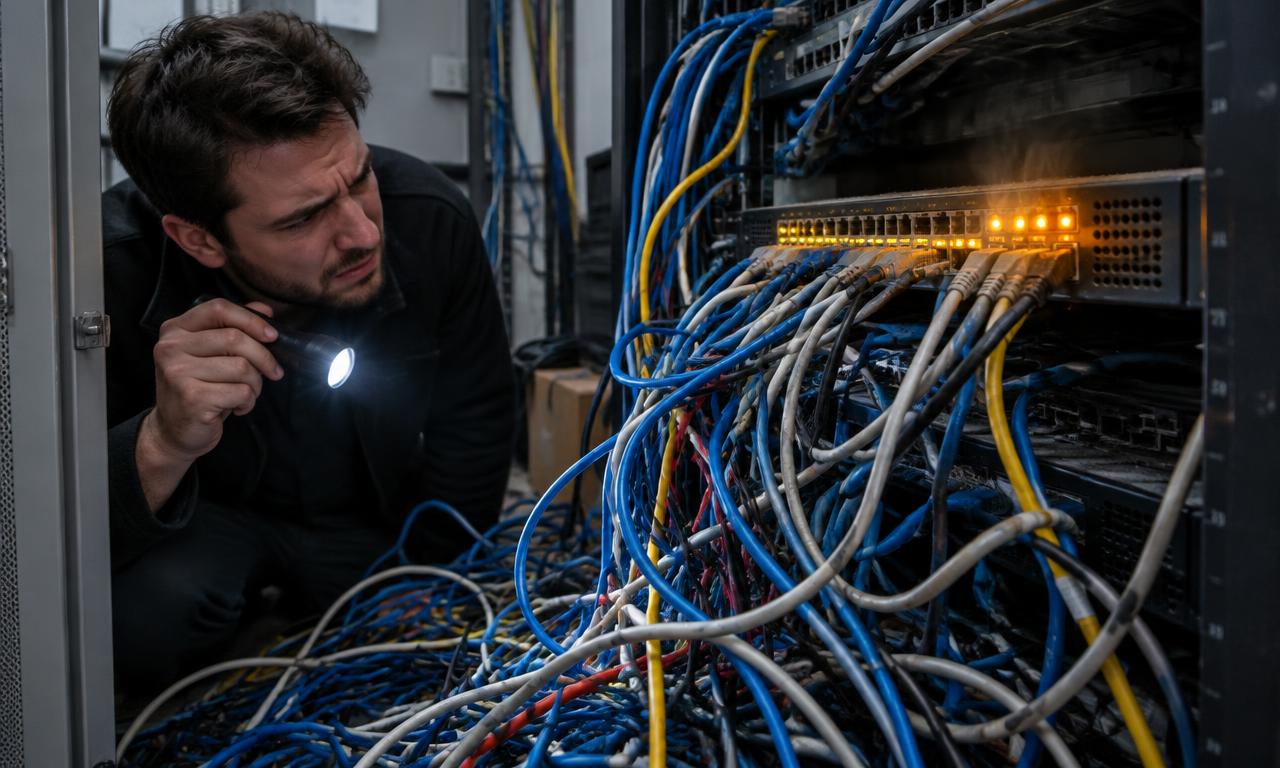
Small teams rarely choose fragile IT infrastructure on purpose. This guide explains the mistakes that quietly make networks, accounts, cloud services, and backups harder to run, with practical fixes that do not require building an enterprise IT department.
What Infrastructure Mistakes Should You Avoid?
The most damaging infrastructure mistakes usually involve unclear ownership, excessive access, misunderstood service responsibilities, untested recovery, and ignored warning signs. Fix them by identifying business-critical services, assigning accountable owners, and checking that essential controls actually work. Start with failures that could stop trading or expose sensitive information, rather than replacing every imperfect tool.
Mistake 1: Nobody owns the whole service
A website might depend on a registrar, DNS provider, hosting account, payment service, and an employee's inbox. Each component can work normally while the overall service remains vulnerable to a missed renewal or an inaccessible administrator account.
Why it hurts: Teams often document equipment but overlook dependencies and decisions. When a contractor leaves, nobody knows who can change DNS records or approve a subscription renewal. A routine administrative issue becomes an outage because the responsible person and recovery route are missing.
How to fix it: Give each important business service a named owner and a deputy. Record its purpose, supplier, billing contact, administrator access route, renewal date, and dependencies. Keep actual passwords and recovery codes in an appropriately controlled password manager, not in the inventory.
For example, describe the service as “customer orders” rather than just “web server.” Link the storefront, payments, email notifications, internet connection, and relevant supplier contacts. This makes responsibility visible across technical boundaries.
Review the record after staff departures and supplier changes. The owner need not perform every technical task, but must know who can make decisions and how help is obtained. This supports the governance and risk-management approach described in the NIST Cybersecurity Framework.
Mistake 2: Treating cloud and on-premises as automatic answers
Cloud services can reduce local maintenance, while local equipment can meet requirements that remote services cannot. Neither location guarantees security, resilience, or predictable costs.
Why it hurts: A team might move files into a cloud application and assume the provider also handles permissions, retention, and every recovery scenario. Another might keep an ageing server because it feels more controllable, despite having nobody available to patch or restore it.
How to fix it: Compare complete operating responsibilities rather than purchase prices. Ask who maintains the application, operating system, network, user accounts, backups, and incident response. Record what the contract actually provides and what your team must still do.
NIST's cloud definition distinguishes software, platform, and infrastructure service models. That distinction matters: renting virtual machines usually leaves more administration with the customer than using a finished business application.
A design studio might use a hosted collaboration suite but keep large working files on local storage for performance. That hybrid arrangement can be sensible if both parts have clear access controls and recovery plans. It becomes risky when the local storage is treated as someone else's responsibility because most work has moved online.
Mistake 3: Giving everyone broad, permanent access
Shared administrator logins often begin as a convenience. Over time, they become the only documented way to configure the router, manage users, or access the backup console.
Why it hurts: Shared accounts make it difficult to attribute actions and revoke one person's access. Excessive privileges also increase the damage a compromised account can cause. A departed contractor may retain access long after the team believes their involvement has ended.
How to fix it: Use named accounts wherever possible, grant only the access needed for a role, and separate everyday work from administration. Require multifactor authentication for important services, especially email, identity administration, remote access, and backups. CISA explains how MFA adds protection beyond a password; prefer phishing-resistant options where the service supports them.
Build offboarding around an access list, not memory. Disable central identity access, then check independent services, active sessions, recovery addresses, device access, and supplier portals. Transfer ownership of documents and automated jobs before deleting accounts that those processes depend on.
Protect emergency access too. Store recovery material securely, limit who can retrieve it, and test the procedure without weakening everyday authentication. A second administrator account is not useful if its recovery email belongs to the same unavailable person.
Mistake 4: Confusing synchronisation with recoverable backups
A folder that appears on several laptops is convenient, but it is not necessarily an independent recovery copy. Deletion, corruption, or malicious changes may propagate across synchronised devices.
Why it hurts: Teams discover the difference when they need a version that is no longer available, or when the same compromised administrator can delete both production data and its backups. Successful backup job reports can hide incomplete coverage or unusable restores.
How to fix it: Define which information must be recovered, how much recent work the business can lose, and how long operations can wait. Check actual retention limits and restore capabilities for every important service. Keep protected copies with appropriate separation from everyday administration.
CISA's ransomware guide recommends offline, encrypted backups and regular testing of backup availability and integrity. Depending on the system, offline copies or properly configured immutable storage can support a recovery design, but each needs operational checks.
Run a realistic restore into a safe location. Open the recovered files, confirm permissions, and check application dependencies rather than merely checking that a download completed. Record the recovery time and any missing information.
For example, restoring a sales database is insufficient if the application also needs configuration files and an integration key that nobody can retrieve. Test the usable service, not just the existence of data.
Mistake 5: Letting patches and network boundaries drift
A working router can remain untouched for years. A spare laptop becomes a permanent reception computer. A printer, guest phone, and finance workstation end up on the same network because that was the easiest initial setup.
Why it hurts: Unmaintained devices can retain known weaknesses, and an unnecessarily flat network can make it easier for an attacker to reach other systems. Unsupported equipment may no longer receive security fixes at all.
How to fix it: Maintain an inventory with software support status and update ownership. Enable automatic updates where appropriate, schedule exceptions deliberately, and confirm completion. CISA's software update guidance explains why timely updates matter for addressing security flaws.
Separate guest access from business systems and restrict management interfaces. Disable remote administration that is not required, and use a properly managed remote-access approach where it is needed. Check that guest isolation actually works rather than trusting the network name alone.
For a small office, a practical first review is to ask whether a visitor connected to guest Wi-Fi can reach internal storage or router settings. Have a competent administrator verify the configuration safely. Replace unsupported equipment through a planned process instead of waiting for a failure during a busy period.
Mistake 6: Collecting alerts without a response plan
A monitoring dashboard can be full of green indicators while customer orders are failing. Conversely, a mailbox full of low-value alerts can train everyone to ignore the one message that matters.
Why it hurts: Monitoring individual components does not automatically show whether the business service works. Alerts sent to an absent employee or an inbox affected by the same outage may never produce action.
How to fix it: Monitor a small set of meaningful signals and give each alert an owner, response expectation, and escalation route. Include service availability, backup failures, critical storage limits, and important account changes where the tools support them.
| Warning sign | What to check first | Durable correction |
|---|---|---|
| Failed backups repeat | Coverage and last usable restore | Assign a backup owner and test recovery |
| Customers report failures first | Whether checks reflect the user journey | Add an external service check |
| Alerts go unanswered | Recipient, availability, and escalation | Establish primary and backup responders |
| Renewals cause outages | Billing owner and notification destination | Maintain a shared renewal record |
Test notification delivery and keep a short outage procedure available outside the affected service. A useful alert says what is affected, where to investigate, and who is expected to respond.
Questions About Infrastructure Mistakes
Should we replace everything after discovering these mistakes?
Usually not. First contain urgent exposure, confirm access to critical systems, and protect recoverable data. Then prioritise changes by business impact, dependencies, and effort. Unplanned wholesale replacement can introduce more disruption than a controlled repair programme.
Can an outsourced provider take full responsibility?
A provider can perform agreed tasks, but your business still needs someone to own requirements, approve access, and check that the service matches its needs. Clarify patching, backups, monitoring, incident escalation, and exit arrangements in writing.
What if our team is too small for separate IT roles?
One person may hold several responsibilities, but important recovery knowledge should not depend on that person alone. Assign a deputy or external support contact, document access procedures, and rehearse a handover during normal working hours.
Design for Operations as Well as Setup
Infrastructure improves when responsibilities and recovery paths become explicit. Fix unclear ownership, unsafe access, and untested backups before spending time on cosmetic dashboard improvements or unnecessary migrations.
Next steps: Use the getting-started checklist to organise the fixes, read the plain-English overview for the underlying concepts, and explore the infrastructure hub.
Sources
- NIST — Cybersecurity Framework
- NIST — The NIST Definition of Cloud Computing
- CISA — Turn On MFA
- CISA — #StopRansomware Guide
- CISA — Update Software
This guide is general education, not professional security advice.