
What is HubSpot?
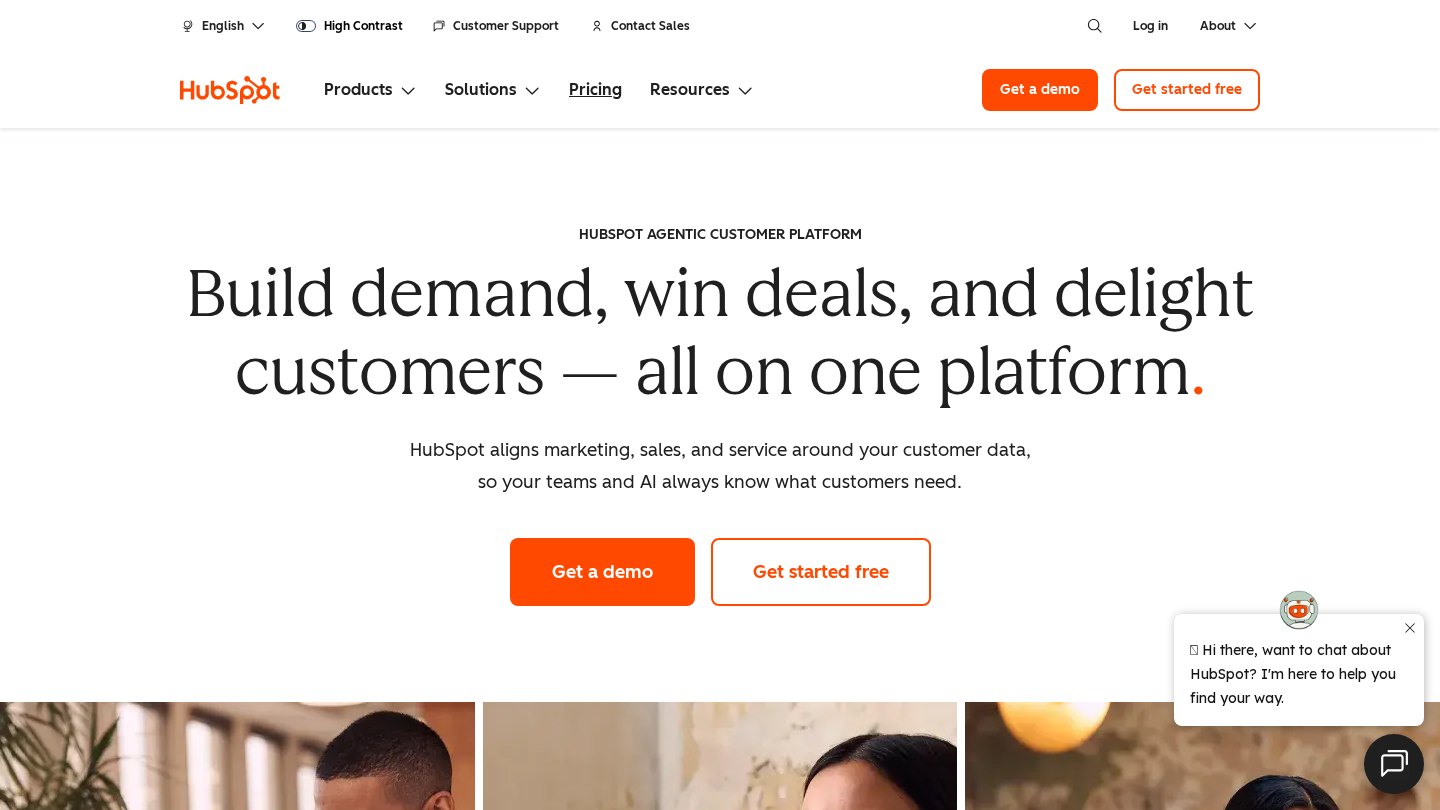
HubSpot combines CRM records with marketing, sales and service tools on a common customer platform. Compared with managing contacts in spreadsheets, it preserves communication history and gives teams a shared view of deals and customer activity. Free tools provide an entry point, while paid products expand automation and specialist capabilities.
Key features
- Contact and company records
- Deal tracking
- Connected email inboxes
- Marketing email tools
- CRM segmentation
- Breeze Assistant
Best for
- Replacing a sales contact spreadsheet
- Managing inbound leads
- Coordinating marketing and sales follow-up
- Tracking customer conversations
Who it suits
- Small businesses establishing a CRM
- Inbound marketing teams
- Sales and service teams sharing customer data
Who may not need it
- Individuals needing only an address book
- Teams unwilling to manage seat and product entitlements
Free plan
Free edition supports up to two users with lite CRM, marketing, sales and service tools. Free marketing email is limited to 2,000 sends per calendar month and includes HubSpot branding. Checked Oct 26, 2026
Integrations and compatibility
- Gmail
- Outlook
- Microsoft Exchange
Where it fits in a workflow
Use HubSpot as the customer system of record before adding automated outreach. Agree on lifecycle stages, deal ownership and consent handling so marketing and sales work from consistent records.
Sources
Strengths
- Free tools provide a shared CRM starting point
- Connected inboxes put communication alongside records
- Paid products build on the same customer database
Watch-outs
- Free edition is limited to two users
- Free marketing emails carry HubSpot branding
- Paid costs depend on products, seat types and usage capacity
Alternatives
Related coverage
How to Choose the Right CRM for Your Team
Match CRM complexity to your team’s work, skills, and governance needs, then validate the choice with a realistic pilot.
GuideHow to Choose the Right Sales CRM for Your Business
Compare sales CRMs using real workflows, full ownership costs, integration checks, and a practical trial before you commit.
GuideHow CRM Platforms Scale Across Different Team Sizes
CRM growth involves more than adding seats. Learn how data ownership, handoffs, automation, permissions, and capacity change as teams expand.
GuideA Practical CRM Evaluation Checklist by Team Size
Turn CRM demonstrations into useful evidence with practical tests for usability, handoffs, integrations, reporting, and cost.
GuideWhat Is CRM? A Beginner Guide to Customer Management
Understand how CRM software connects customer records, conversations, and follow-ups—and when a shared spreadsheet may still be enough.
GuideHow to Set Up a CRM: A Step-by-Step Implementation Guide
Move from scattered records to a usable CRM through careful data mapping, a focused configuration, migration rehearsals, and role-based training.
Listings are editorial and independent. Details that change often are marked “to be verified” until an editor checks them against the official source.