
What is n8n?
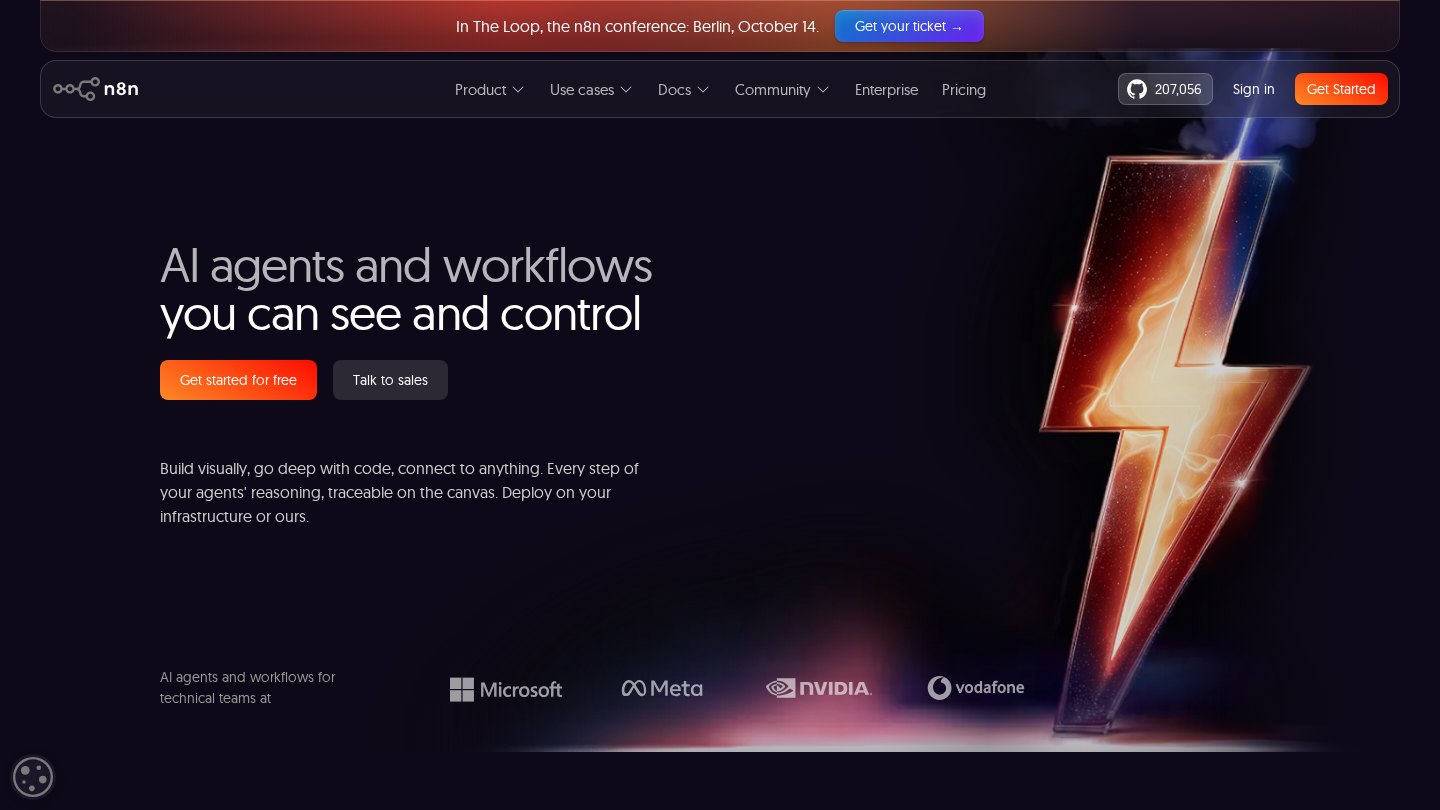
n8n combines a visual workflow editor with code steps, API requests and AI nodes. It suits builders who need more control over data processing and hosting than a simple app connector provides. Paid plans meter complete workflow executions rather than each individual step.
Key features
- Cloud and self-hosted deployment
- JavaScript and Python code steps
- HTTP and GraphQL requests
- AI agent nodes and MCP support
- Execution logs and error workflows
- Human approval in agent workflows
Best for
- Connecting internal APIs
- Building supervised AI agents
- Automating operational data pipelines
- Coordinating onboarding across tools
Who it suits
- Technical operations teams
- Developers building internal automation
- Teams with self-hosting requirements
Who may not need it
- Users seeking a maintenance-free free cloud service
- Vendors wanting to resell an unrestricted hosted workflow builder
Free plan
Community Edition is free to self-host under the Sustainable Use License for permitted uses. You provide hosting; allowing external users to create or configure workflows is not covered by this free licence. Cloud access is a trial, not a permanent free tier. Checked Oct 26, 2026
Integrations and compatibility
- Slack
- Jira
- Notion
- HTTP APIs
- MCP
Where it fits in a workflow
Place it between internal services where API calls, custom logic and human checkpoints need to be visible together. Choose managed cloud unless your team can operate and secure a self-hosted instance.
Sources
Strengths
- Execution-based billing accommodates workflows with many steps
- Self-hosting offers infrastructure control
- Code and visual steps can be combined
Watch-outs
- Self-hosting requires maintenance and security work
- Community licence does not permit offering workflow building to external users
- SSO and version-control features require higher plans
Alternatives
Related coverage
How to Build AI Agents: A Step-by-Step Checklist
Build a narrow, useful AI agent with clear tools, tested boundaries, and a safe path from prototype to production.
GuideHow to Start Using AI Automation: A Practical Checklist
Move one repetitive workflow into a controlled AI pilot with clean inputs, clear ownership, human review, and measurable results.
GuideHow to Evaluate and Choose an Automation Platform
Compare automation platforms using your actual workflow, integration depth, recovery needs, team skills, and realistic operating costs.
WorkflowConnecting AI Models to Zapier, Make and n8n
Connect an AI model to your automation platform, validate its output, and keep business actions behind a human-review gate.
GuideHow n8n Workflows Function for Business Automation
Understand the path from a trigger to an action, including how nodes pass data, make decisions, and reveal failures.
GuideA Step-by-Step Guide to Setting Up n8n Workflows
Move from an imported template to a checked, working automation with safe credentials, deliberate field mapping, and a clear launch plan.
Listings are editorial and independent. Details that change often are marked “to be verified” until an editor checks them against the official source.