
What is Notion?
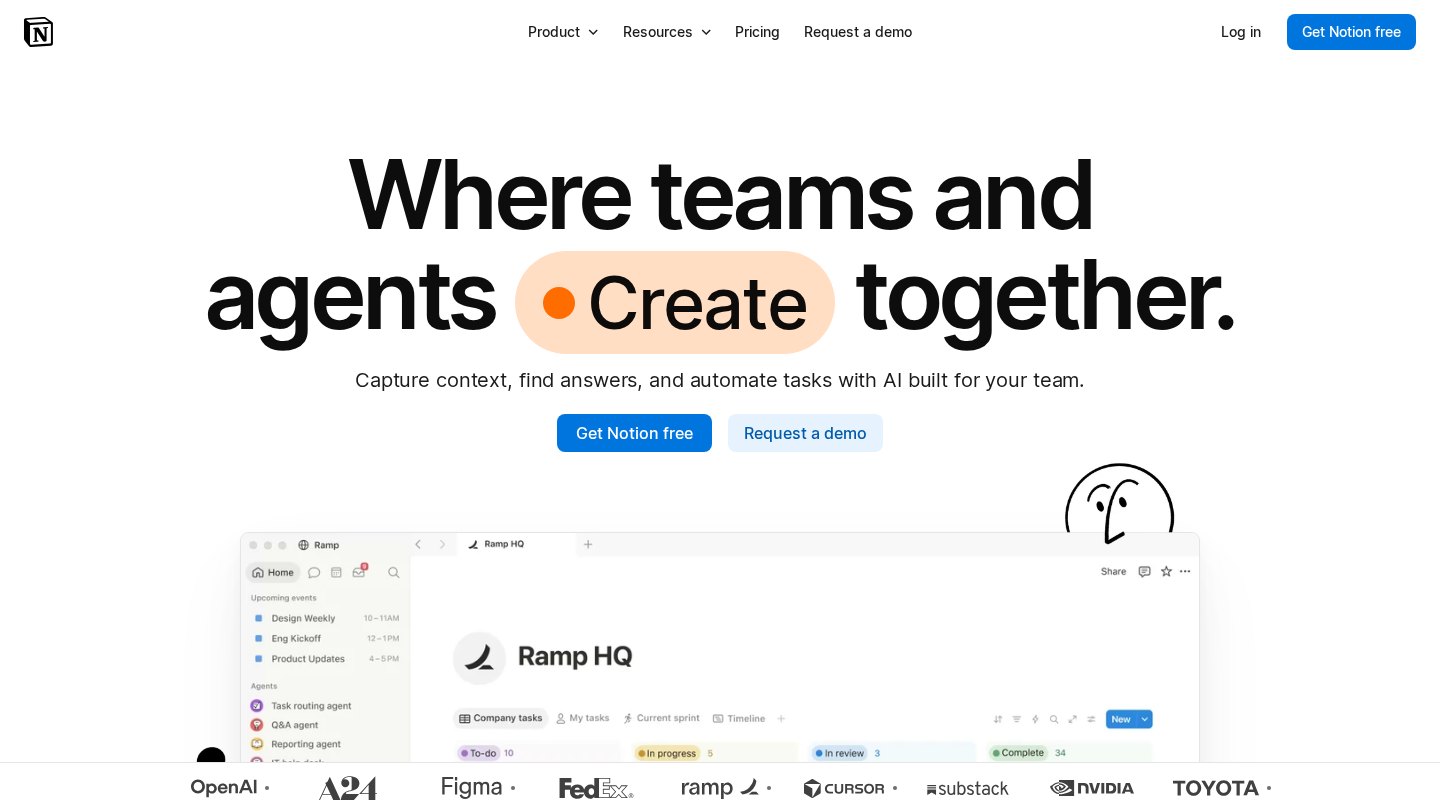
Notion brings documents, wikis and database-backed project tracking into the same workspace. Unlike a basic notes app, it lets teams connect structured records with working documents and present the same information in different views. Its higher plans add AI meeting notes and search across connected workplace tools.
Key features
- Linked documents and wikis
- Databases with subtasks and dependencies
- Forms and published sites
- Database automations
- AI meeting notes on Business
- Connected-app search on Business
Best for
- Maintaining an internal handbook
- Planning editorial calendars
- Tracking team projects
- Organizing personal research
Who it suits
- Knowledge-management teams
- Content operations teams
- Individuals building a personal workspace
Who may not need it
- Teams needing only a simple checklist
- Organizations unwilling to maintain a shared information structure
Free plan
Free for individuals with unlimited pages and blocks; blocks are limited with two or more members. Uploads are limited to 5 MB per file and page history to seven days; AI access is a trial. Checked Oct 26, 2026
Integrations and compatibility
- Slack
- Google Drive
- GitHub
- Asana
- Jira
- Figma
Where it fits in a workflow
Use it as the shared reference layer for project briefs, decisions and task databases. Define database owners and page conventions before expanding it across departments.
Sources
Strengths
- Documents and structured project records share one workspace
- Flexible database views reduce duplicate lists
- Individual Free plan supports unlimited pages and blocks
Watch-outs
- Free workspaces with multiple members have block limits
- Free uploads are capped at 5 MB per file
- AI on Free and Plus is a limited trial, not ongoing full access
Related coverage
A Guide to Choosing the Right Productivity Tool
Compare productivity tools through real tasks, not feature lists. Check usability, connections, total cost, support, and the ability to leave.
GuideHow to Set Up Your Digital Productivity Workspace
Build a usable workspace with clear project structure, safe sharing, sensible notifications, and a small rollout you can adjust.
GuideHow to Document Business Processes for Growth
Capture repeatable work in clear, tested instructions with owners, exception routes, and a maintainable home for the current version.
GuideA Beginner Guide to Notion Templates
Understand what Notion templates contain, how copying works, and how to make your first useful changes without getting lost in the layout.
GuideHow to Create Custom Notion Templates
Build a reusable Notion system from a real workflow, then test its databases, page layouts, permissions, and handover instructions.
GuideHow to Choose the Right Notion Template
Choose a Notion template by testing the work it supports, not just its screenshots. Compare structure, permissions, documentation, and upkeep.
Listings are editorial and independent. Details that change often are marked “to be verified” until an editor checks them against the official source.