
What is Microsoft?
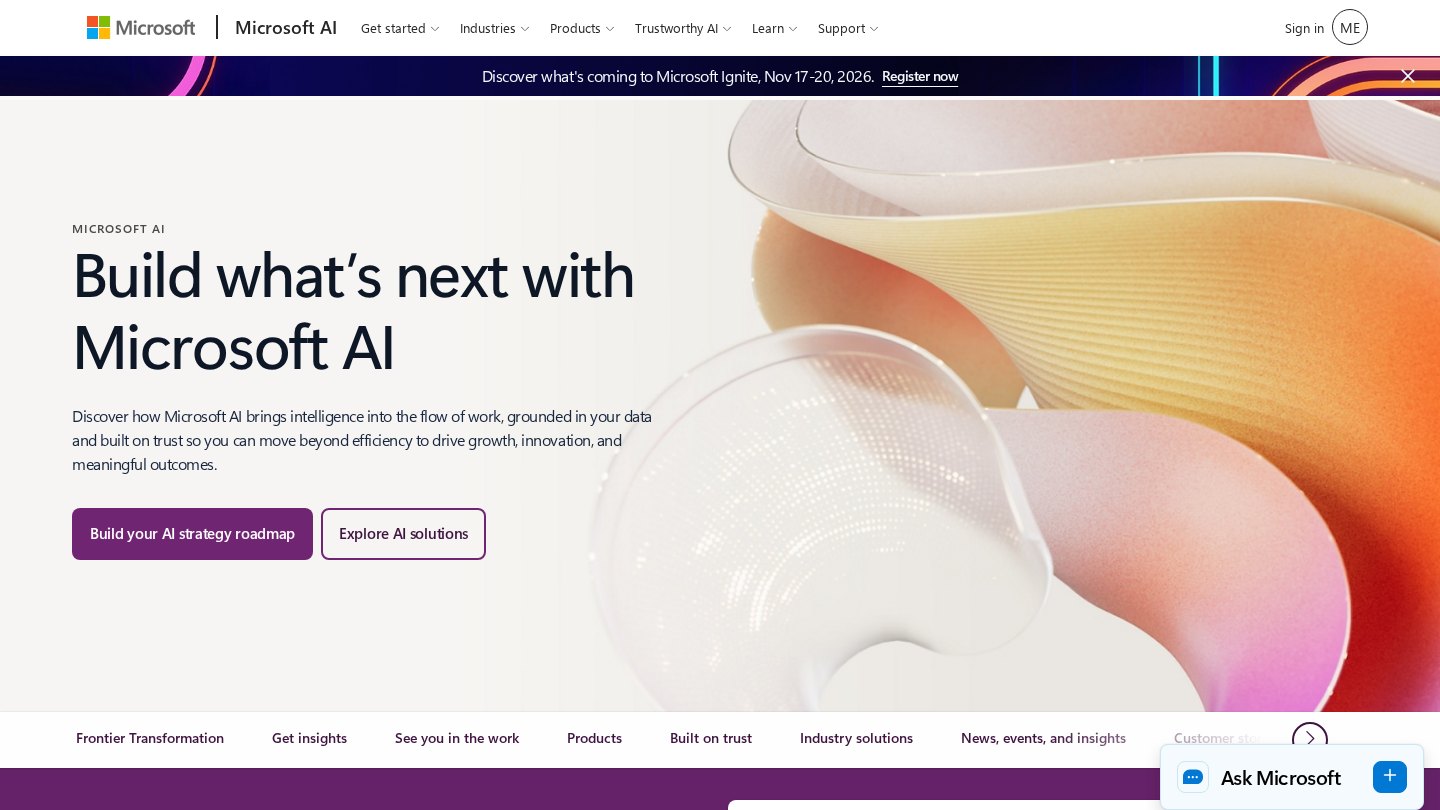
Microsoft sells AI at both the application and infrastructure layers: Microsoft 365 Copilot for office work, GitHub Copilot for software development, and Azure AI services for custom applications. Its enterprise appeal is the connection to existing workplace software and cloud administration, rather than a single general-purpose chatbot. Copilot Studio adds a low-code route for building and extending agents.
Key features
- Microsoft 365 Copilot
- GitHub coding assistance
- Azure model and agent development
- Copilot Studio agent building
- Microsoft Fabric analytics
Focus areas
- Office document and meeting workflows
- Developer assistance
- Enterprise AI application deployment
- Business process agents
Who it suits
- Microsoft 365 administrators
- Enterprise application developers
- Software engineering teams
Who may not need it
- Teams seeking only a lightweight standalone chatbot
Integrations and compatibility
- Microsoft 365
- GitHub
- Microsoft Edge
- Windows
Where it fits in a workflow
Choose the workload first: office assistance, coding, or custom AI services. Pilot against existing document permissions and administrative policies before wider deployment.
Sources
Strengths
- Can extend an existing Microsoft workplace rather than introduce a separate workspace
- Offers end-user applications and developer infrastructure
Watch-outs
- Copilot is a family of products, not one interchangeable entitlement
- Cloud development and workplace deployment need different technical and administrative decisions
Peers
Technology company developing the Gemini models.
NVIDIA
GPU computing platforms for data centers, graphics and vehicles.
Adobe
Creative production, documents and marketing software with Firefly generative AI.
Databricks
Enterprise data infrastructure connecting analytics, governed AI and agent applications.
Hugging Face
Model discovery, collaboration and deployment infrastructure for machine-learning teams.
Related coverage
Cursor vs GitHub Copilot: Which Coding Tool Fits You?
Compare Cursor and GitHub Copilot through repository tasks, review effort, workflow fit, governance, and the cost of agent-assisted development.
ComparisonChecklist for Comparing Cloud Providers
Build comparable cloud estimates and check compatibility, recovery, support and migration effort before choosing a provider.
GuideStep-by-Step AI Implementation Checklist
Move an approved AI use case from data audit to pilot, controlled rollout, and ongoing operation with explicit owners and release gates.
GuideFundamentals of Corporate AI Adoption
Understand the strategy, ownership, governance, and economics that turn isolated AI experiments into a manageable business capability.
GuideHow to Choose the Right AI Solution for Your Business
Compare ready-made, customized, and internally built AI options using task fit, evidence, total ownership cost, and the ability to change direction.
GuideUnderstanding Cloud Hosting Basics
Learn what cloud hosting actually provides, which tasks remain yours, and why scalability does not automatically mean resilience.
Listings are editorial and independent. Details that change often are marked “to be verified” until an editor checks them against the official source.