
What is GitHub Copilot?
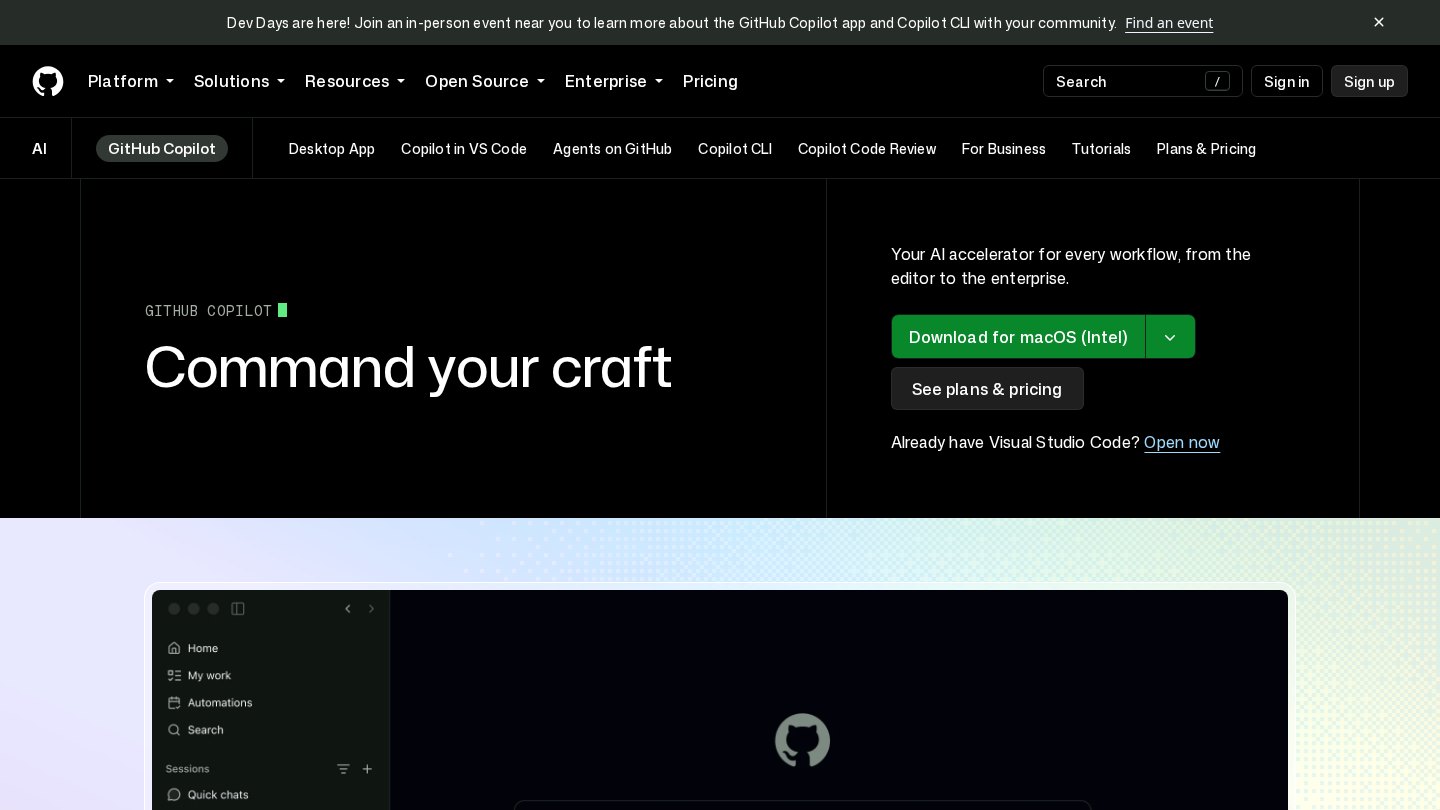
GitHub Copilot supplies code suggestions and conversational help within development tools, with paid capabilities extending into review and delegated work on GitHub. Unlike a separate coding chatbot, it fits around the repository, editor and pull-request workflow developers already use.
Key features
- Inline code completions
- Editor chat and agent assistance
- Command-line access
- Pull-request code review on supported plans
- Cloud coding agents on supported plans
- MCP server compatibility
Best for
- Generating repetitive code
- Explaining unfamiliar implementation details
- Drafting tests
- Reviewing diffs
- Delegating bounded repository tasks
Who it suits
- Developers using GitHub
- Teams standardizing coding assistance
- Maintainers reviewing frequent changes
Who may not need it
- GitHub Enterprise Server users needing native support
- Non-developers seeking a general assistant
Free plan
Copilot Free is for individuals and includes a monthly allowance of completions plus limited chat and agent usage. It is not an organization or enterprise plan; exact numeric quotas were not confirmed. Checked Oct 26, 2026
Integrations and compatibility
- GitHub.com
- GitHub Mobile
- Supported editors and IDEs
- Command line
- MCP servers
Where it fits in a workflow
Keep Copilot close to the edit-test-review loop: request a small change, inspect the diff and run the project’s tests. Set a usage budget before relying on long agent sessions.
Sources
Strengths
- Fits existing editor and GitHub workflows
- Offers an individual free entry tier
- Paid organization plans add policy controls
Watch-outs
- Agent and review work consumes AI credits
- Extra usage may cost more than the subscription
- Not available for GitHub Enterprise Server
- Generated changes still require tests and human review
Alternatives
Related coverage
Cursor vs GitHub Copilot: Which Coding Tool Fits You?
Compare Cursor and GitHub Copilot through repository tasks, review effort, workflow fit, governance, and the cost of agent-assisted development.
GuideHow to Use AI Coding Tools Effectively
Turn coding suggestions into reviewable changes with focused prompts, small edits, independent tests, and clear approval rules.
GuideIntroduction to AI Coding Assistants
Understand what coding assistants do, how they fit into an editor, and why developers still own the result.
GuideChoosing the Right AI Coding Assistant
Choose a coding assistant by testing it on your repository, checking data controls, and measuring useful changes rather than impressive suggestions.
GuideHow AI Coding Assistants Work in Modern Development
Understand the path from editor context to generated code, why suggestions can fail, and where human review belongs.
GuideEssential Checklist for Setting Up Your IDE and AI Tools
Build a repeatable development environment with focused extensions, shared settings, and clear boundaries for AI coding assistance.
Listings are editorial and independent. Details that change often are marked “to be verified” until an editor checks them against the official source.