
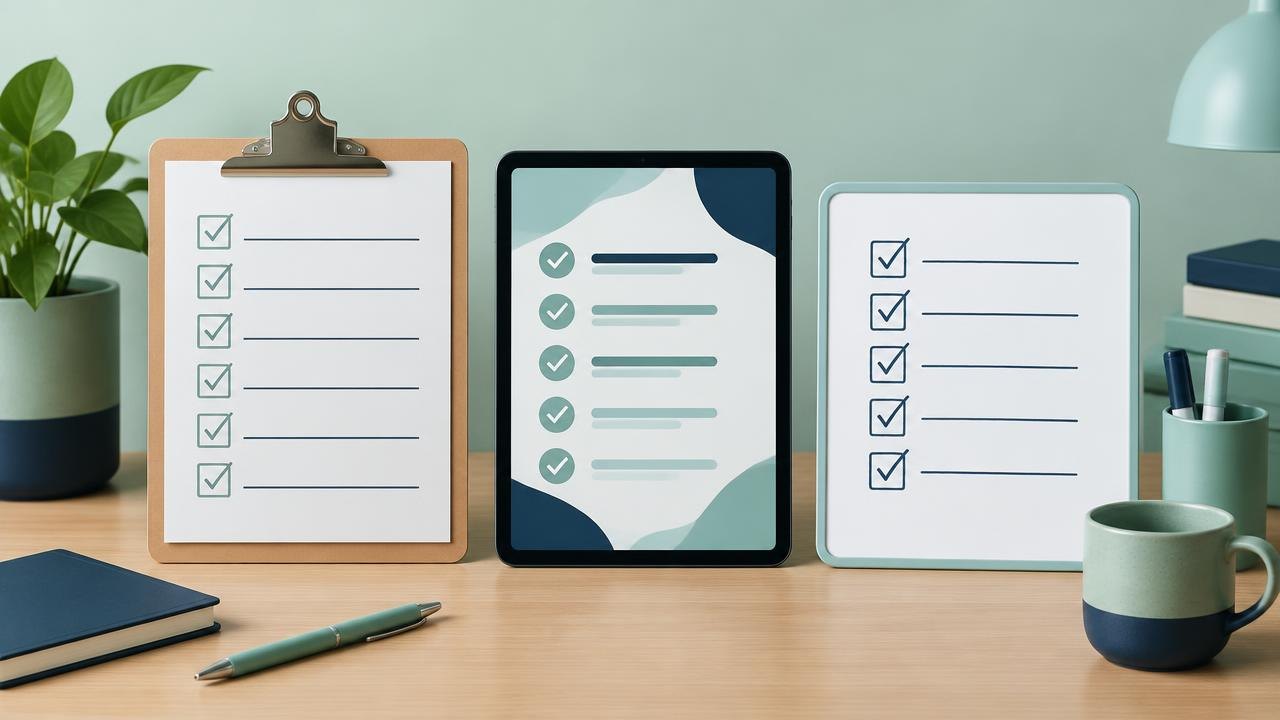
Choosing a checklist format is a decision about how work gets recorded, shared, and checked—not simply which app looks easiest. This guide helps you compare practical options, identify essential features, and run a small trial before committing your team.
How Do You Choose a Checklist Format?
Use the simplest format that reliably supports the job, including its exceptions and handoffs. Paper or a basic document can suit a stable individual routine; a shared form or workflow tool may be more appropriate when several people need structured records, evidence, or approvals. Verify offline behavior, permissions, and export options rather than assuming that “digital” means those needs are covered.
Start with the operating environment
Describe one real use case before looking at products. Who completes the list, where do they work, what information do they need, and who acts on the result? A desk-based finance review and a warehouse opening check can share a title while needing very different interfaces.
List constraints as observable requirements. “Works offline” might mean opening a saved list, creating a new record without connectivity, attaching photographs, and synchronizing later. A tool that does only the first of these would not meet that requirement.
Consider gloves, wet conditions, shared devices, printing, screen size, and the time available at the point of use. Paper can be sensible where devices are impractical, although paper records still need secure storage and a reliable handoff. A digital tool may be useful without being essential.
Separate the working checklist from its archive. Someone might complete a printed list at a workstation and submit it afterward. That hybrid arrangement can work if the team knows which record is authoritative, who transcribes it, and how missing or unreadable entries are handled.
Compare the main formats
The table describes typical uses, not guarantees about every product. Particular tools may add controls that change the comparison.
| Format | Useful when | Main limitation to examine |
|---|---|---|
| Printed checklist | One person follows a stable routine | Sharing, retrieval, and version replacement |
| Document or fillable PDF | Layout and printing matter | Consolidating results across many copies |
| Spreadsheet | A small team needs sortable rows | Accidental edits and inconsistent entries |
| Structured online form | Each run should create a comparable record | Offline support and later corrections |
| Workflow application | Work needs routing, approvals, or branches | Setup effort, permissions, and ongoing upkeep |
A document is easy to adjust, but users may keep old copies. A spreadsheet can combine status and reporting, but shared editing is not the same as a controlled approval process. A form structures answers, yet it may offer little visibility into work that is still in progress.
Workflow software is useful when assignment and follow-up are part of the task. It is less attractive when configuration takes more work than the process itself. Do not buy branching logic just because it appears on a feature list: identify the actual decision that requires it.
Decide what completion needs to prove
A checkbox says someone marked an item complete. It does not automatically show who performed the action, what they observed, or whether the result was acceptable. Decide what evidence matters before selecting a format.
For an ordinary opening routine, a name and date might be enough. For an equipment check, the useful record might include an observed reading, an acceptable range, and a description of the action taken when the reading falls outside it. Use requirements from the responsible process owner; do not invent technical thresholds to fill a template.
Distinguish three outcomes: completed successfully, not applicable, and blocked or failed. If every row offers only a tick, people may tick failed checks simply to finish the form. Where “not applicable” is available, decide whether a reason is needed.
Digital interfaces should make labels and instructions clear. The W3C forms tutorial describes accessible labeling, grouping, and feedback; those principles are relevant when a checklist is implemented as a form. Accessibility is a selection criterion, not a cosmetic improvement after purchase.
Avoid collecting evidence merely because the tool allows it. Photographs can expose personal information or confidential work. Require only what the next decision needs, and define who may see and retain it.
Evaluate collaboration, integrations, and control
Trace the handoff after completion. Does a supervisor review every result, only exceptions, or a sample? Does a failed item create a follow-up task? A format that captures a problem without assigning its resolution can leave the team with a tidy record and an unresolved issue.
Check permissions with realistic accounts. The person completing a record may need to correct an error but should not necessarily be able to alter the master template. Reviewers may need visibility without edit access. Shared logins make individual accountability difficult.
Ask what “history” means. Some tools retain every change; others show only the latest answer. Similarly, a typed name is not necessarily an appropriate electronic signature for a regulated process. Confirm requirements with the relevant compliance owner rather than treating any approval button as sufficient.
For integrations, specify the exact event and destination. “Send failed checks to the maintenance queue with the location and record link” is a testable requirement. “Integrates with our systems” is not. Include duplicate handling, retries, and ownership when an automated transfer fails.
Finally, export a sample record before committing. Confirm that answers, attachments, timestamps, and relationships remain understandable outside the application. A dashboard is convenient, but it should not be your only route to your own operational information.
Run a small selection exercise
- Write the must-haves. Why: A short non-negotiable list prevents attractive extras from dominating the decision. How: Name the required environment, users, record fields, and handoff, then separate preferences from requirements.
- Compare two plausible formats. Why: Comparing radically different products can obscure whether software is needed at all. How: Include the simplest workable option alongside a more structured alternative.
- Rehearse normal and failed runs. Why: Smooth demonstrations rarely reveal exception handling. How: Try a missing answer, a blocked step, a reassignment, and a disconnected device where relevant.
- Review the whole workload. Why: Faster data entry can still create slower administration. How: Count preparation, completion, correction, review, reporting, and archiving work.
- Name the owner before rollout. Why: Formats deteriorate when nobody maintains them. How: Assign responsibility for templates, access, support, and retirement of obsolete versions.
Use clear instructions during the trial rather than coaching each participant through hidden assumptions. W3C’s form instructions guidance recommends explaining required inputs and expected formats. If users repeatedly misread a field, revise it before judging their performance.
Record both practical obstacles and user observations. “The form was slow” is less useful than “the photograph upload prevented completion on the warehouse connection.” The latter points to a requirement you can retest.
Worked example: a small facilities team
Consider a hypothetical business with three sites and one opening check at each site every weekday. The manager needs same-day visibility into failures, but does not need an elaborate approval chain. Staff occasionally lose connectivity near the storage area.
A printed checklist is easy to use but requires someone to report exceptions separately. A shared spreadsheet gives central visibility, yet staff would need to navigate the correct rows on a phone. A structured mobile form could fit if its offline capture and synchronization work in that location.
The team pilots paper plus a named exception handoff against the form. During the pilot, it intentionally records one failed check and tests a connection loss. The preferred format is whichever reliably captures the result and gets the failure to the responsible person—not whichever has more features.
Suppose, using hypothetical figures, one format saves two minutes of entry per run but adds fifteen minutes of daily reconciliation. Across three daily runs, that is six minutes saved and fifteen added. Entry speed alone would give the wrong answer. Include administration and exception handling in the comparison, while remembering that reliability can matter more than small time differences.
Questions About Checklist Format Selection
Can a spreadsheet remain our long-term solution?
Yes, when its permissions, structure, and review process suit the work. Reconsider it when copies diverge, formulas break, or people cannot tell who owns the next action. The trigger is an unmet requirement, not the age of the file.
Does a digital checklist guarantee an audit trail?
No. Check whether changes are recorded, who can modify history, and whether records can be exported. If a formal audit or legal requirement applies, have the responsible specialist confirm that the specific configuration meets it.
Should we use one format across the whole company?
Standardize common fields and ownership rules where helpful, but allow justified differences in use. A field team and a desk team may need different interfaces while still reporting the same completion status and exception categories.
What should a supplier demonstrate before we choose?
Ask for your own sample workflow, including failed checks, restricted access, corrected entries, and data export. If offline work is essential, demonstrate it with connectivity disabled rather than relying on a general feature description.
How to Make a Sound Choosing a Checklist Format Choice
The right checklist format makes the required action easy to perform and the resulting record easy to trust. Choose for the environment, the evidence, and the handoff; add complexity only when it solves a demonstrated problem.
Next steps: Use the checklist creation guide to draft the content, review business checklist fundamentals, or explore the checklists hub for related guidance.
Sources
- W3C — Forms Tutorial
- W3C — Form Instructions
This guide is general education, not professional advice.