
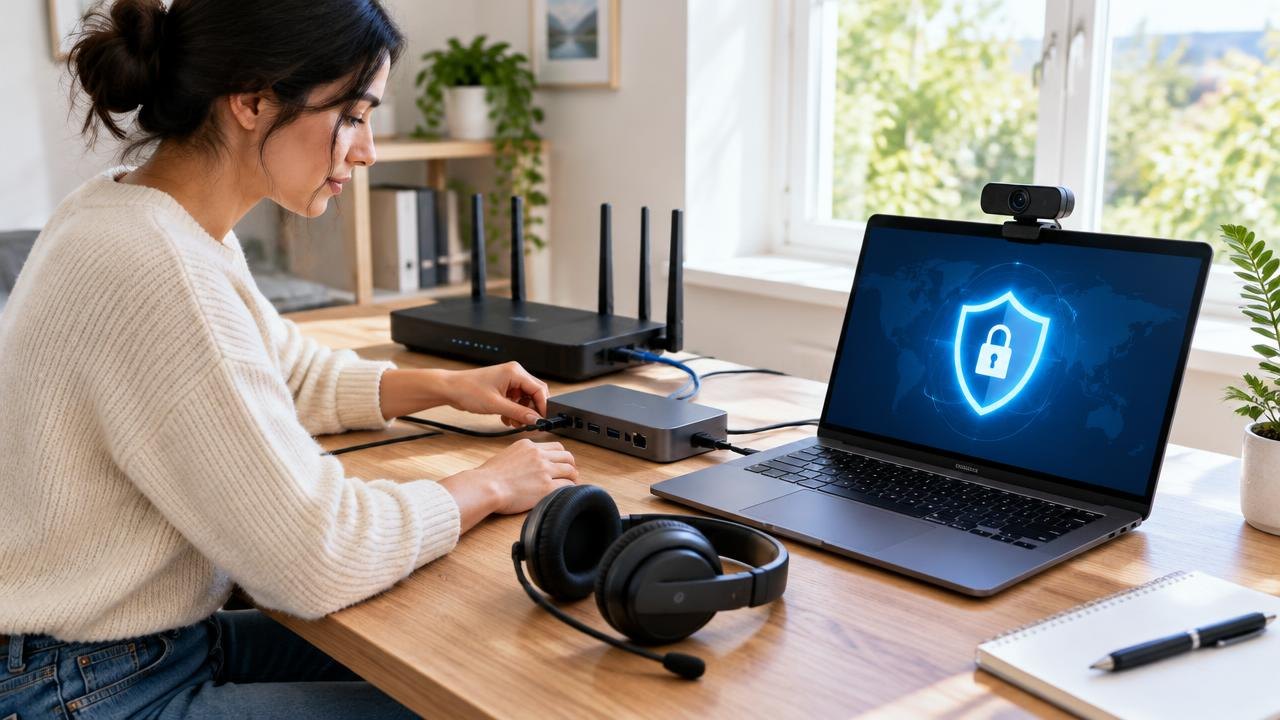
A remote work setup needs more than a laptop and a chat account. This guide explains how to connect people securely, organize shared work, manage equipment, and check that the whole system remains usable when something fails.
How Do You Set Up Remote Work Infrastructure?
Build remote work infrastructure around managed identities, maintained devices, appropriate access controls, and documented working practices. Use encrypted services and require multifactor authentication, but do not assume every cloud application needs a company VPN. Give each system an owner, test recovery, and make onboarding and offboarding repeatable.
Define the work before choosing tools
Start with the activities employees must complete, not a shopping list. A designer transferring large files, an adviser handling confidential records, and a support agent answering calls have different connectivity and access needs. Record the applications, information types, working locations, and availability requirements for each role.
Separate ordinary collaboration from sensitive administration. Reading a project update should not require the same privileges as changing production infrastructure. Identify which services are cloud-hosted, which remain on private networks, and which outside partners require access.
NIST's telework security guide treats remote access, client devices, and bring-your-own-device arrangements as parts of an overall security problem. That is a more useful starting point than treating a VPN as the entire solution.
Create a basic service register with an owner, backup owner, business purpose, account provider, and support contact. Include renewal dates and data export options so forgotten subscriptions do not become essential systems nobody controls.
| Layer | Minimum decision | Practical acceptance check |
|---|---|---|
| Identity | Who can access each service? | A new starter receives only role-appropriate access |
| Devices | Which equipment is permitted? | Updates, encryption, and screen locking are enabled |
| Connectivity | How are private resources reached? | An approved device connects without exposing internal services |
| Collaboration | Where does work live? | A colleague can locate the current decision and document |
| Recovery | How is work restored? | A sample deleted file can be recovered |
| Support | Who handles failures? | Staff can report an outage without the affected application |
Use this register to find gaps before purchasing more software. Sometimes the missing infrastructure is an owner or a clear process, not another product.
1. Establish identity and appropriate network access
Why: A compromised account can expose work regardless of where the employee sits. Reliable identity controls let you grant access deliberately and remove it when employment or responsibilities change.
How: Give each person an individual account. Use centralized identity and single sign-on where practical, require MFA, and maintain a controlled recovery process. Avoid shared administrator credentials. Keep privileged accounts separate from ordinary daily work when the environment supports that separation.
CISA's MFA guidance explains how an additional authentication factor helps protect accounts when passwords are stolen. MFA reduces risk; it does not guarantee that an attacker cannot enter. Prefer phishing-resistant methods where supported, and teach employees not to approve unexpected authentication requests.
Choose remote access according to the resource. A private file server may require a properly configured VPN or another managed remote-access service. A modern cloud collaboration service may already provide encrypted connections and identity-based access without routing every session through a corporate VPN. Evaluate the actual architecture rather than mandating a tunnel as a universal rule.
Do not expose remote desktop services directly to the public internet as a convenience shortcut. Assign ownership for remote-access configuration, logging, updates, and incident handling. Test access from an ordinary home connection before rollout, including what happens when an account is disabled.
2. Set a manageable device baseline
Why: Access controls cannot compensate for every weakness on an unmanaged laptop. A consistent baseline makes support, patching, replacement, and incident response more predictable.
How: Prefer company-managed equipment when the work and budget justify it. Maintain an inventory containing the assigned user, device identifier, operating system, support status, and return instructions. Enable automatic security updates, disk encryption, screen locking, host firewalls, and appropriate endpoint protection.
If personal devices are allowed, document supported operating systems, required controls, and the boundaries of company monitoring. Explain what the organization can see and whether it can erase corporate data or an entire device. Obtain appropriate legal and privacy review rather than assuming one policy fits every location.
Specify an update process for urgent fixes as well as routine maintenance. Someone should check whether updates actually completed; a policy that says “keep everything current” is not evidence of compliance. Plan replacements before operating systems or applications lose support.
Include ergonomic and practical needs. A headset, suitable display, accessible input devices, and a stable workspace can matter as much to daily work as processor speed. Define how employees request accommodations or report unsuitable equipment without requiring them to disclose unnecessary personal information in a public channel.
3. Make collaboration searchable and predictable
Why: Remote teams lose time when decisions are scattered across private messages, meeting recordings, and duplicate documents. Shared tools help only when people know what belongs where.
How: Select a primary home for project records, a channel for time-sensitive coordination, and an approved location for files. These can be features within one platform rather than separate purchases. Document naming conventions, permissions, and who owns the final version of a deliverable.
Distinguish availability from constant responsiveness. State expected response windows for ordinary questions, the channel for urgent incidents, and how time zones affect handoffs. Use written summaries after consequential meetings so absent colleagues can act without watching an entire recording.
Apply access rules to external sharing. Prefer named recipients and time-limited access where available; review guest accounts periodically. Avoid making a public link simply because a collaborator cannot find the correct sign-in page.
Keep essential instructions accessible to new starters. A short handbook should explain account activation, equipment setup, file locations, communication norms, and support routes. Give every page an owner and review trigger so outdated screenshots do not become permanent onboarding obstacles.
4. Plan continuity, recovery, and offboarding
Why: Remote operations must survive a lost laptop, an unavailable cloud service, or a departing employee. Syncing files across devices is useful, but synchronization alone is not a complete backup strategy.
How: Identify critical data and define acceptable recovery time and acceptable data loss with business owners. Check what each service can restore, for how long, and under whose permissions. Maintain suitable backups and test restoration using a noncritical sample rather than assuming a successful backup notification proves recovery works.
Provide an alternative support route outside the main collaboration platform. Employees should know how to report account compromise when they cannot sign in. Document who can revoke sessions, suspend access, arrange replacement hardware, and communicate during an outage.
For departures, coordinate HR, the manager, and IT. Disable accounts and remote sessions promptly according to the circumstances, transfer ownership of business documents, recover devices, and remove third-party access. Preserve records according to applicable retention obligations; do not indiscriminately delete everything associated with a user.
Practice the process with a fictional employee account. Check whether disabling central identity also removes access to connected services or leaves active sessions and independent accounts behind.
5. Pilot the setup with a realistic workday
Consider a hypothetical twelve-person consultancy moving to a remote-first arrangement. Most work uses cloud documents, but two staff members need a private accounting system. Rather than putting everyone through the same remote-access configuration, the firm tests private access for those two roles and identity-based cloud access for everyone else.
During the pilot, one consultant cannot upload a large client file, another cannot recover an MFA account after replacing a phone, and a manager discovers that project decisions live in private messages. These are different failures: connectivity, identity recovery, and working practice. Buying a faster chat tool would not solve all three.
The firm assigns an owner to each issue and repeats the affected task after changes. A useful acceptance test is specific: “A replacement laptop can be configured, signed in, and used to retrieve the project brief,” not simply “remote work is ready.”
Track support categories, unresolved access problems, restore-test results, and stale accounts. Use those observations to improve the setup without turning device monitoring into intrusive employee surveillance. Review the system when roles, applications, or information sensitivity change.
Questions About Remote Work Infrastructure
Is a company VPN always necessary?
No. It depends on the resources and architecture. Private internal systems may need managed remote access, while many cloud services work through encrypted connections and identity controls. A VPN does not replace secure devices, account controls, or application permissions.
Can a small team use personal laptops?
Possibly, but it needs explicit rules about supported devices, updates, encryption, corporate information, and support. Consider whether those rules can actually be enforced and whether monitoring or remote wiping creates privacy concerns. Sensitive work may justify company-managed equipment instead.
What should happen when home internet fails?
Define a safe fallback before it happens, such as approved mobile connectivity, an alternative workspace, or a temporary change of duties. Do not encourage employees to bypass security controls to stay online. Clarify reimbursement and availability expectations in advance.
How often should access be reviewed?
Review it when someone joins, leaves, changes role, or changes responsibilities, and establish a recurring review appropriate to the sensitivity of the systems. The important point is that an accountable owner verifies access rather than relying solely on an old list of employees.
Build Reliable Systems for Distributed Work
Reliable remote infrastructure combines technical controls with clear ownership and everyday routines. Start with the work people must do, secure the paths they use, and prove that support and recovery function before expanding the rollout.
Next steps: Explore more how-to guides, consider the operational questions in choosing a CRM, or browse the Guides section.
Sources
- NIST — Guide to Enterprise Telework, Remote Access, and Bring Your Own Device (BYOD) Security
- CISA — Turn On MFA
This guide is general education, not professional security or legal advice.