
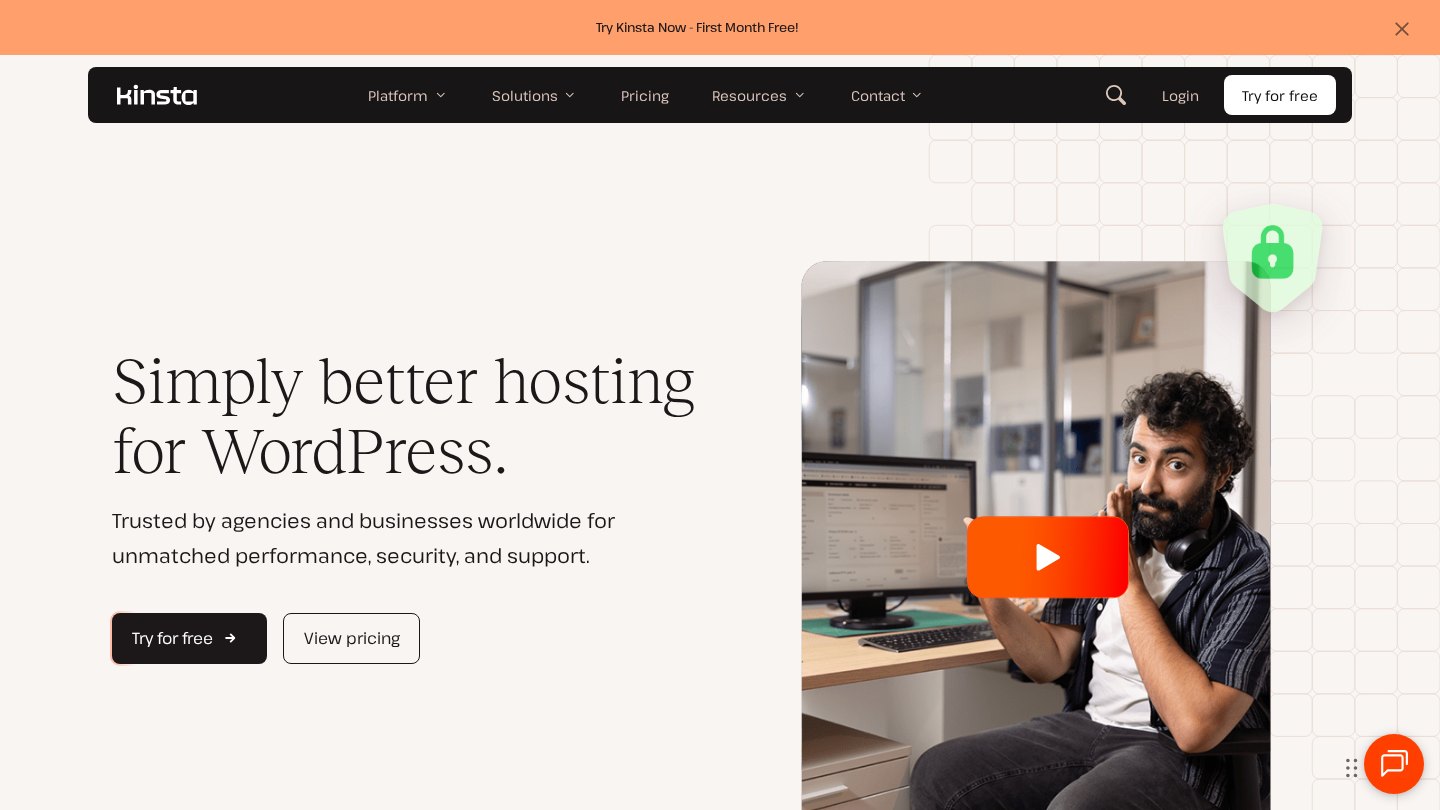
Kinsta is best evaluated as an operational service for WordPress, not as a promise that every website will instantly become faster. This review explains what its managed approach offers, which responsibilities remain yours, and how to compare the cost with running your current setup.
This assessment is based on the vendor's official documentation and public information as of October 2026; we have not run our own hands-on tests.
Is the Kinsta Deal Worth It?
Kinsta is worth considering when your team wants managed WordPress infrastructure and would otherwise spend meaningful time maintaining hosting operations. Its value depends on the site's workload, the package you choose, and how much operational responsibility it actually removes. A lightly used personal site may not justify the expense, while a business site may benefit from a more structured hosting arrangement.
What Kinsta is
Kinsta's WordPress hosting page describes a managed WordPress service using Google Cloud infrastructure, with a dedicated management dashboard and supporting operational tools. The relevant distinction from an unmanaged server is responsibility: the provider handles the hosting environment rather than asking you to administer the underlying machine yourself.
That does not mean every aspect of a WordPress business becomes managed. You still need accountable owners for content, plugins, themes, application behavior, customer data, and commercial workflows. A host can provide infrastructure support without knowing whether a checkout discount or membership rule matches your business requirements.
Evaluate the WordPress service on its own terms. Do not assume that an old description of application hosting or a general cloud product explains the current WordPress offering. Confirm the specific service and agreement that would host your site.
For a buyer, the useful question is not whether managed hosting sounds premium. It is which tasks disappear from your team's workload, which tasks become easier, and which tasks remain unchanged.
Key features and what to verify
Kinsta's official product materials describe tools for site management, caching and delivery, staging, migrations, and operational support. Treat the current pricing page as the place to check what a particular package includes. A capability appearing on a product page does not mean every usage pattern or configuration is covered without additional cost.
| Area | Potential operational benefit | Buyer verification question |
|---|---|---|
| Management dashboard | Centralize routine site operations | Can your staff complete their usual tasks? |
| Staging | Review changes away from production | How are content and database changes handled? |
| Backups | Provide recovery points | What is retained, and how is restoration performed? |
| Caching and delivery | Reduce repeated origin work | Which pages must remain dynamic? |
| Migration assistance | Reduce transfer coordination | What is included for your specific site? |
| Support | Help diagnose hosting problems | Where does application support stop? |
Ask for a workflow demonstration rather than a list of logos or infrastructure names. Someone should show how your team would inspect a problem, create a safe change environment, recover a site, and contact support.
Infrastructure branding alone cannot establish application performance. A slow database query, an external payment service, or an oversized image can still dominate the user experience. You need a representative evaluation, not a conclusion drawn from the provider's cloud platform.
Who it is for and its likely strengths
The clearest potential fit is a business that needs WordPress but does not want server administration to become a separate internal specialty. Agencies may also value a consistent operational interface across client sites. Those are fit arguments, not measured claims about Kinsta outperforming competitors.
A managed service can make responsibility easier to organize. Instead of deciding who maintains each infrastructure component, the business buys a defined hosting service and keeps its team focused on the application and content. The benefit depends on the boundaries being clear enough to avoid support gaps.
For an agency, consistency matters as much as any individual feature. Document who owns each client account, who receives billing notices, and how access is removed when a contractor leaves. A centralized dashboard is helpful only if permissions and ownership remain understandable.
For a store or membership business, availability and correct behavior deserve more attention than a simple homepage speed impression. Ask how the service handles your traffic pattern and how you would investigate a failure affecting logged-in users.
A hobby publisher with straightforward needs may reasonably prefer a lower-cost arrangement. Paying for operational help is rational only when the work avoided or the support required has real value to that owner.
Limitations and responsibilities that remain
Managed hosting does not eliminate application risk. A plugin update can alter behavior even when the server is healthy. Maintain a process for reviewing updates, identifying incompatible components, and testing the specific journeys that matter to your business.
Nor should you infer a support response time or guaranteed recovery outcome from a general statement about support availability. Read the applicable service terms and ask concrete questions about incident handling. Availability of help and guaranteed resolution of a custom-code problem are different commitments.
Resource allowances also deserve careful reading. Check the billing metric, what counts toward it, how excess usage is handled, and whether the package suits bursty demand. Do not carry forward an old visit allowance or assume that all current offerings use identical measurement rules.
Developer flexibility is another trade-off. A managed WordPress environment is not equivalent to unrestricted control over a virtual server. List required software, deployment practices, and integrations before moving. If you need unusual system-level changes, get explicit confirmation rather than relying on the word “cloud.”
Finally, moving hosts can expose existing assumptions about DNS, email, scheduled jobs, redirects, or outside services. Write those dependencies down. A migration is an operational change, not simply a copy of the visible pages.
Backups, recovery, and a sensible migration plan
Kinsta's backup documentation explains its WordPress backup and restoration options. Read the details for the service you intend to use, including scope, retention, and any optional features. Do not treat the existence of backups as evidence that every business record can be recovered to any desired moment.
- Inventory the site. Why: Hidden dependencies create migration surprises. How: List domains, redirects, email providers, scheduled tasks, custom code, storage, and outside integrations.
- Define a recovery requirement. Why: A brochure site and a busy store tolerate different data loss. How: Decide which information must be preserved and how quickly normal operation must return.
- Verify the migrated copy. Why: A working homepage does not prove the application is correct. How: Check forms, authentication, purchases, transactional messages, redirects, and important administrative actions.
- Plan the cutover. Why: Live data can change while the transfer is underway. How: Agree on timing, responsibility for DNS changes, and how new orders or submissions will be handled.
- Keep a rollback decision. Why: Troubleshooting needs a clear stopping point. How: Assign a decision-maker and preserve the information needed to return safely if critical checks fail.
For a hypothetical store, losing an afternoon of new orders may be unacceptable even if restoring yesterday's files is easy. That is a business recovery requirement. Discuss it before selecting backup options, not after an incident.
Pricing approach and a worked cost example
Use the official pricing page for current packages, billing terms, usage measures, and optional charges. This review does not reproduce historical plan prices or guarantee terms. Ask for an estimate based on your actual sites and demand, including any expected extras.
Consider a hypothetical business spending four staff hours each month on hosting administration. If a managed service reduces that to one hour, it recovers three hours. At an illustrative internal time value of $60 per hour, that represents $180 of capacity before comparing subscription costs.
These figures are invented and are not Kinsta savings claims. They also exclude migration effort, training, and any work that moves rather than disappears. If your developer still performs the same application maintenance, do not count those hours as savings.
Compare the full annual picture: hosting, operational labor, optional services, migration work, and the cost of meeting your recovery requirements. An inexpensive server can be the right choice for a technically capable owner; an expensive managed plan can be the wrong choice for an uncomplicated site.
Alternatives and how to make the final choice
Compare Kinsta with your current host, another managed WordPress service, and self-managed infrastructure only where your team can realistically operate it. Keep requirements identical. Comparing a managed service with a bare server price omits the work needed to make that server useful.
Build a shortlist around non-negotiable needs: application compatibility, recovery requirements, traffic pattern, access model, and support scope. Then compare costs. This order avoids selecting a cheap package that cannot support an essential workflow.
If you conduct your own trial or migration rehearsal, use representative pages and tasks. Include dynamic behavior, not just cached public pages. Record what you measured, under which conditions, and what remained untested. This review makes no independent speed or reliability claim.
Questions About The Kinsta Review
Will moving to Kinsta fix a slow WordPress site?
Not necessarily. Identify whether the bottleneck is hosting, application code, database work, external services, or page weight. A host change may address some problems while leaving others untouched.
Does managed hosting remove the need for a developer?
No. Custom code, plugin conflicts, business logic, and application changes still need qualified ownership. Ask the provider which issues fall inside hosting support and which require your own developer.
Can we assume our migration is included?
Do not assume the scope from an older review. Confirm eligibility, scheduling, dependencies, and any unusual site requirements with Kinsta before committing to a move.
Do we still need a recovery exercise?
Yes. Document who can initiate recovery and verify the important application functions afterward. A backup feature is useful, but a usable recovery process also requires people and clear decisions.
When Kinsta Makes Sense
Kinsta deserves consideration when managed WordPress operations solve a genuine staffing or reliability requirement. Choose it because the documented service fits your application and responsibilities, not because a review promises universal speed gains.
Next steps: Explore Managed WordPress and the broader Hosting & Cloud section. Then inventory your site's dependencies and request a workload-specific cost estimate.
Sources
- Kinsta — Managed WordPress hosting
- Kinsta — WordPress hosting pricing
- Kinsta — WordPress backups
This review is general information, not professional advice. Features and prices change; check the vendor's site.
Pros
- Managed WordPress hosting with a custom dashboard
- Automatic backups and staging environments
- Support team available through the dashboard
Cons
- No email hosting included
- Costs more than basic shared hosting