
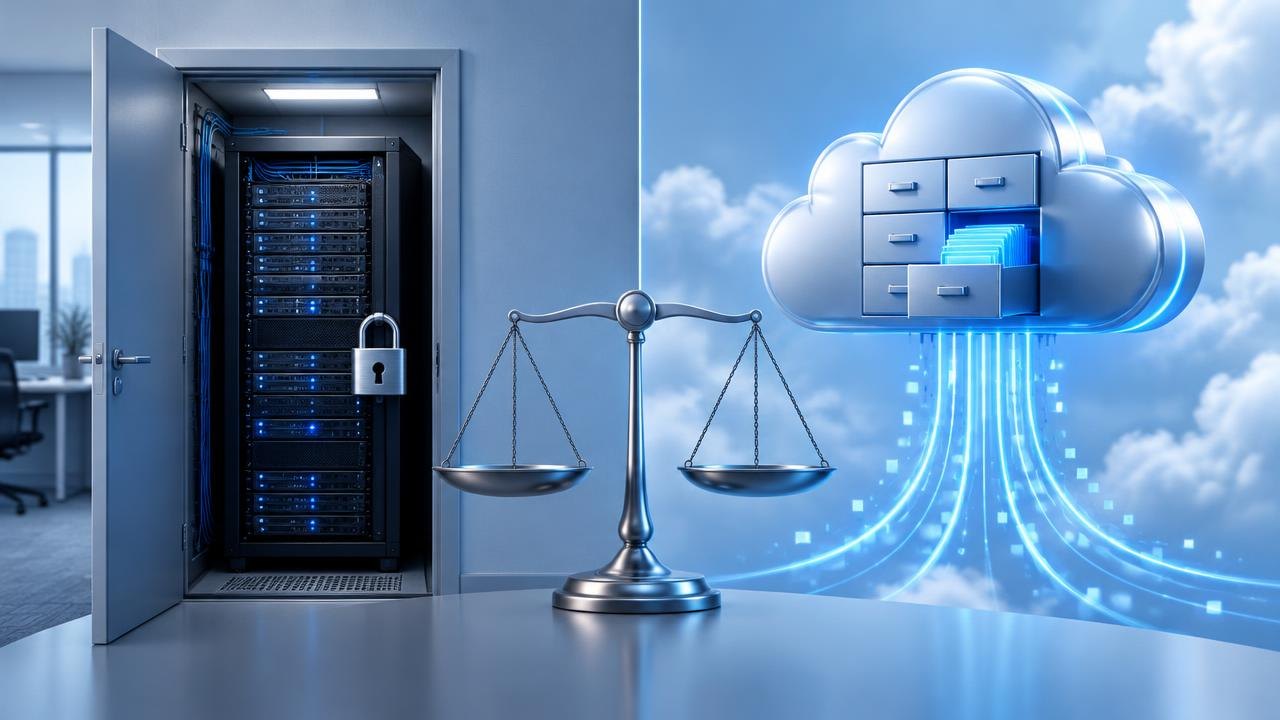
Choosing storage means deciding where working files live, who keeps them available, and how you recover them when something goes wrong. This guide compares cloud and on-premises storage by access patterns, responsibility, recovery requirements, and total cost so you can choose a workable arrangement rather than follow a slogan.
Should You Choose Cloud or On-Premises Storage?
Cloud storage can simplify remote access and reduce the hardware your team operates, while on-premises storage gives you direct control over local equipment and network access. Neither is automatically cheaper, safer, or compliant. Choose according to your workload and recovery needs; use a hybrid arrangement only when its added coordination has a clear purpose.
Define what kind of storage you need
“Cloud storage” includes different services. A shared document workspace provides collaboration features; object storage exposes data through an application interface; managed file storage offers file-system behavior. These are not interchangeable merely because they store information outside your office.
On-premises storage can mean a small network-attached storage appliance or a managed storage system in your own facility. You operate or contract for its power, physical protection, updates, capacity planning, and replacement. Owning the hardware does not remove dependence on software suppliers or specialist support.
Begin with the application. An editing team opening large media projects has different needs from an archive that rarely retrieves documents. A business application may require particular file locking or latency behavior. Confirm compatibility before comparing headline capacity.
Hybrid storage combines local and external systems for a defined purpose: perhaps local working files and a separately protected remote recovery copy. It can be useful, but the design must specify which copy is authoritative and how changes, deletions, and conflicts move between systems.
Compare control and responsibility
The following table is a starting point for a responsibility discussion, not a ranking of every service.
| Question | Cloud arrangement | On-premises arrangement |
|---|---|---|
| Who maintains physical equipment? | Usually the provider | Your team or service contractor |
| How do remote users connect? | Through supported internet access methods | Through an approved remote-access design |
| What limits local work? | Connectivity, caching, and service behavior | Local network and storage performance |
| Who sets user permissions? | Your organization configures its controls | Your organization configures its controls |
| How is capacity expanded? | Within service and account limits | Through equipment and provisioning work |
| What protects against deletion? | Configured recovery and backup controls | Configured recovery and backup controls |
| What happens during an outage? | Depends on connectivity and offline features | Depends on local power, network, and redundancy |
Security is shared work even when infrastructure is outsourced. CISA's Cloud Security Technical Reference Architecture, published in 2022, is a dated reference for planning cloud security rather than a blanket endorsement of cloud services.
For either arrangement, document who approves access, reviews sharing links, removes former staff, and responds to suspicious activity. Do not mistake physical possession for good access control or a provider's marketing language for a completed risk assessment.
Map access, performance, and data-location needs
-
List users and locations. Why: Storage must support actual working patterns. How: Identify office staff, remote staff, contractors, and applications. Record whether each needs viewing, editing, uploading, or administrative access.
-
Describe the files and operations. Why: Capacity alone says little about performance. How: Record typical file sizes, simultaneous users, read/write patterns, and any applications requiring shared locking or many small file operations.
-
Check connectivity. Why: A cloud workflow depends on the path to the service, while remote access to local storage depends on your site's connection. How: Evaluate upload capacity, latency, outage history, and realistic alternatives when the main connection fails.
-
Set location requirements. Why: A selected region may not explain every place data is handled. How: Ask about replicas, backups, support access, logs, and subprocessors. Have qualified advisers interpret legal or contractual requirements.
-
Define offline behavior. Why: “Available offline” may apply only to selected files. How: Test whether the needed files are cached, whether editing works without a connection, and how conflicts are resolved after reconnecting.
Use representative files during evaluation. A quick upload of a small document cannot establish how an application behaves while several people edit large projects. Record the device, network, file set, and concurrent activity so the result is understandable later.
Design recovery separately from everyday storage
Availability and recoverability solve different problems. A redundant system may keep operating after one component fails, yet replicate an accidental deletion immediately. A synchronized folder may faithfully copy corrupted files. Neither behavior proves that you can recover an earlier clean version.
Define a recovery point objective: how much recent work you can tolerate losing. Then define a recovery time objective: how long you can tolerate waiting for a usable service. These objectives help decide backup frequency, retention, recovery tooling, and whether a replacement location is needed.
CISA's #StopRansomware Guide, with its September 2023 revision, recommends offline, encrypted backups and regular testing of their availability and integrity. Apply the underlying principle by keeping recovery copies protected from the same credentials and destructive actions that can affect working data.
Ask whether an ordinary storage administrator can delete all versions and backups. Consider separate permissions, recovery approvals, and retention protections where supported. A backup that shares every failure mode with the source may not provide the independence you expected.
Test restoration rather than just checking that backup jobs completed. Restore a representative folder to an isolated location, verify permissions and file contents, and open the files with their normal application. Record the elapsed time and missing dependencies. Repeat after major changes to storage structure or backup settings.
Compare costs over the same planning period
Cloud costs can include subscriptions, capacity, requests, data retrieval, transfer, backup, support, and administration. Some services bundle categories that others bill separately. Request a workload-based estimate and identify which items can grow unexpectedly.
On-premises costs include hardware, replacement drives, warranties, software licenses, power, cooling, space, backup, off-site copies, and staff time. Include the cost of restoring service after a failure rather than assuming the equipment purchase is the whole investment.
Worked example — hypothetical numbers: Over a three-year planning period, a cloud arrangement is estimated at 180 budget units per month, plus 600 units for setup and migration. That totals 180 × 36 + 600 = 7,080 units. A local arrangement is estimated at 3,400 units for equipment, 70 units per month for operation and backup, and 900 units for planned maintenance: 3,400 + 2,520 + 900 = 6,820 units.
The difference is only 260 units in this invented example. An omitted support contract, recovery requirement, or migration expense could reverse it. These figures are not prices or a prediction; they show why comparison needs matching assumptions.
Run a second scenario with larger capacity and a third with lower usage. Also include exit costs: downloading data, rebuilding permissions, converting formats, disposing of drives securely, and operating both environments during a transition. A slightly cheaper arrangement may be poor value if staff cannot maintain it.
Pilot a migration and define the hybrid boundary
Select a manageable dataset that represents real work without risking the only copy. Check naming rules, path-length limitations, supported characters, ownership, permissions, and application compatibility. A successful transfer is not complete until the people who need the files can use them correctly.
Plan the cutover explicitly. Identify a time when editing stops, reconcile the final changes, validate the destination, and tell users where new work belongs. Avoid leaving two writable master locations without a conflict-resolution process.
Keep a rollback plan with a decision deadline. If permissions or application behavior fail acceptance checks, know who can pause the move and which copy remains authoritative. Do not delete the original merely because a transfer tool reports success.
For hybrid designs, draw a simple data-flow diagram. Label the working copy, synchronized copies, backup copies, retention periods, and deletion rules. Assign an owner to each connection. If nobody can explain what happens when a file is deleted or two users edit offline, simplify the arrangement before expanding it.
Finally, document routine operations: capacity review, account removal, update responsibility, restore testing, and incident contacts. Storage should remain manageable when the person who configured it is unavailable.
Questions About Storage Deployment Choices
Can a synchronized cloud folder replace a backup?
Not by itself. Synchronization and backup serve different purposes, and synchronized deletion can affect every connected device. Check version retention, independent recovery options, and whether compromised credentials could remove both working files and their recovery copies.
Is keeping files in our office enough for compliance?
No. Physical location is only one consideration. Access controls, retention, disposal, auditability, contracts, and applicable rules may also matter. Obtain advice for your particular obligations rather than treating “on premises” as a compliance status.
What happens to cloud files when the internet fails?
That depends on the service and device configuration. Previously cached files may remain usable, while uncached files and shared updates may be unavailable. Test your required offline tasks before relying on them during an outage.
Should a small organization avoid hybrid storage?
Not necessarily, but it should have a narrow purpose and a named operator. Local working files plus an independently protected remote backup can be understandable; several overlapping synchronization tools may create unnecessary complexity and uncertain recovery behavior.
Match Storage to Access and Control Needs
Choose storage by matching access needs, operating responsibilities, and recovery objectives to an arrangement your team can sustain. Confirm usability and restoration before moving the only reliable copy of important information.
Next steps: Explore the Technology News hub, learn how language models work, and review router firmware maintenance as part of network upkeep.
Sources
This guide is general education, not professional, legal, financial, or security advice.