
A smartphone feels like a collection of apps, but the operating system coordinates nearly everything those apps can do. This guide follows the layers beneath the screen and explains why apps sometimes reload, permissions appear, battery use changes, and updates involve more than new icons.
How Do Mobile Operating Systems Work?
A mobile operating system manages hardware resources and provides shared services that applications use through defined interfaces. It schedules processor work, controls memory, handles input and graphics, and limits access to sensitive data. Its power and lifecycle rules determine what apps can do when they are not on screen. These controls improve reliability and security, but they cannot prevent every bug or abusive behavior.
Understand the layers beneath an app
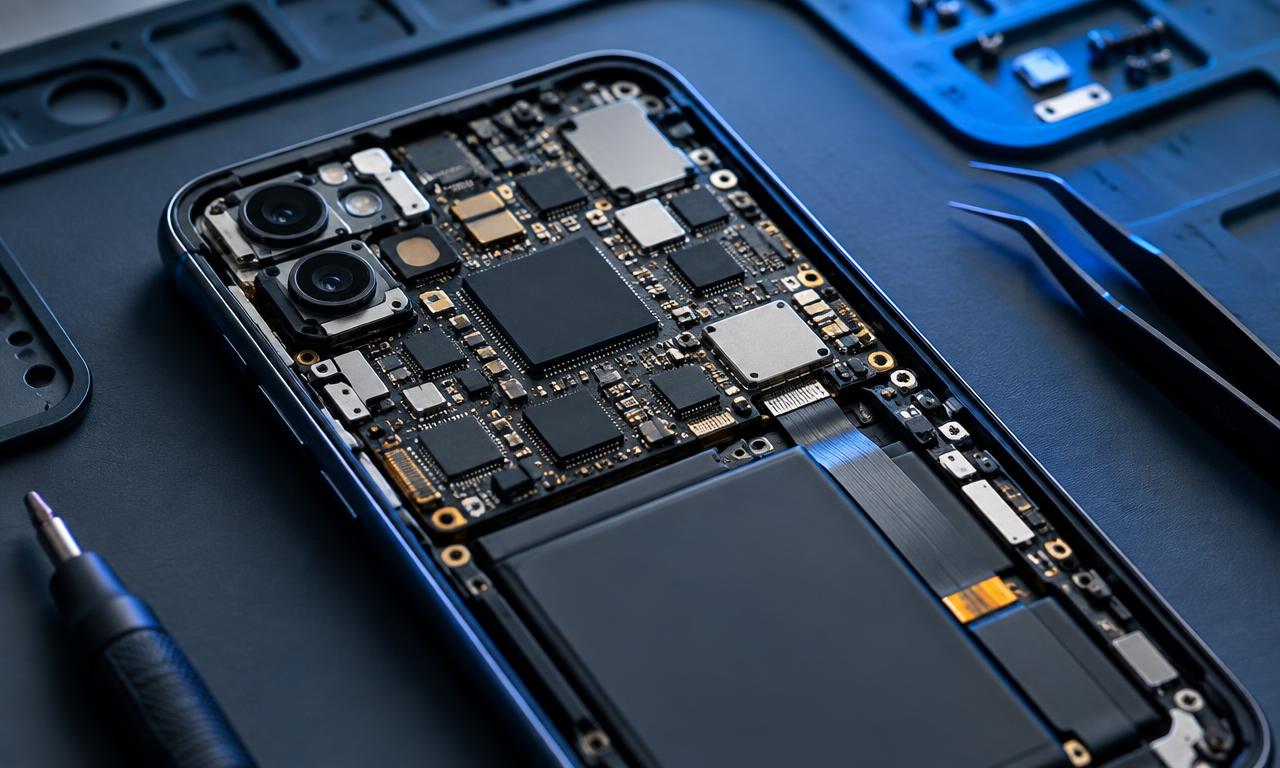
At the foundation is hardware: processors, memory, storage, radios, sensors, cameras, and other components. Drivers and hardware interfaces allow system software to work with those components. Above them, the operating system supplies shared capabilities such as networking, media handling, graphics, and app management.
The kernel is a privileged core that handles fundamental work such as scheduling and memory management. Other system services operate around it. Ordinary apps generally request capabilities through supported interfaces rather than directly controlling arbitrary hardware or reading another app's memory.
Android's platform architecture documentation describes its software stack, including applications, framework services, runtime, native components, and hardware-related layers. Other mobile systems organize and name their components differently, but separating responsibilities is a common design approach.
| Layer or component | Main responsibility | Everyday example |
|---|---|---|
| Hardware and drivers | Operate physical components | Camera sensor captures light |
| Kernel | Manage low-level resources | Schedule processor time |
| Runtime and libraries | Support app execution and shared functions | Decode an image |
| Framework services | Provide controlled platform capabilities | Request a notification |
| Applications | Deliver user-facing tasks | Compose and send a message |
This is a conceptual map rather than an exact diagram for every device. Some functions span layers, and manufacturers add their own services. The important idea is that apps rely on a system-mediated environment rather than each independently reinventing the entire phone.
Follow a tap from screen to result
Suppose you tap a camera application's shutter button. The touchscreen reports an input event, and the system delivers it to the relevant interface. The app responds by requesting camera work through a supported application programming interface, or API.
An API defines how software asks for a capability and receives a result. The camera framework and lower-level components translate the request for the particular device. Hardware captures data, processing produces an image, and the application receives results it can display or save, subject to platform rules.
This abstraction lets developers support many devices without writing every sensor driver themselves. It does not erase hardware differences. Available lenses, image modes, processing speed, and supported capabilities can vary, so apps still need to check what a device offers.
The same pattern appears in location, audio, and networking. An app asks for a service; the operating system coordinates access; underlying components perform the work. Permissions, power limits, and competing requests can affect the result. A request for a location is not a guarantee of an immediate, perfectly precise coordinate.
Learn why apps pause, resume, and reload
The processor cannot give every application unlimited time, and memory is finite. The operating system schedules work and decides which processes remain available. A visible app commonly receives different treatment from one that has not been used recently.
Android's activity lifecycle documentation explains states and callbacks used as activities appear, lose focus, stop, or are recreated. Developers must handle these transitions and preserve appropriate state. The details differ across platforms, but users encounter the same general challenge: an app's interface is not guaranteed to remain alive forever.
Switching away does not always mean an app is immediately frozen or terminated. Music playback, navigation, calls, and certain transfers can use approved background mechanisms. Conversely, leaving an app visible in a recent-apps view does not prove its process is still running.
When memory is needed, the system may reclaim resources from less important processes. Returning to an app can then require rebuilding its interface and loading saved information. A well-designed app restores enough state that this feels natural; a poorly handled transition can lose a draft or reset the screen.
This is why more RAM is not a universal cure for every delay. Storage speed, network access, application design, processor load, and memory policy also matter. A slow reload may be caused by downloading content again rather than by insufficient memory alone.
See how power and temperature shape behavior
Mobile systems operate within a battery budget and a compact thermal envelope. Screens, radios, sensors, and processors consume power, and sustained intensive work produces heat. The OS coordinates policies that balance responsiveness, safety, and battery life.
Background work may be deferred or grouped so the device does not repeatedly wake for small tasks. Location requests and network activity can be constrained. User-enabled low-power modes may reduce some background work or visual effects, though the exact behavior depends on the platform and app.
Consider navigation during a long outdoor trip. The display, location hardware, network connection, and graphics can all be active. If the phone is charging in direct sunlight, heat may become a more important limitation than a processor's advertised peak speed. The system may reduce performance or restrict functions to manage conditions.
Battery-use reports show useful clues, not perfect diagnoses. An app listed near the top may simply be the one you used most. Compare its activity with your behavior and look for unexpected background use instead of concluding that the largest percentage automatically indicates a fault.
Force-closing every app is not a universal optimization. Restarting apps can require additional work, and platforms already manage many idle processes. Investigate specific malfunctioning apps rather than treating every background entry as wasted power.
Understand sandboxes, permissions, and updates
A sandbox limits what an application can access by default. Android's application sandbox documentation describes isolation using app identities and operating-system protections. This helps prevent one ordinary app from freely reading another app's private data.
Permissions provide controlled access to resources such as the microphone, camera, and location. They are one part of the security model, not its entire foundation. Some sharing happens through explicit system interfaces, and some information becomes available because the user signs into an online service.
Permission is also not a guarantee of good behavior. If you allow an app to access selected information, it may process that information according to its features and policies. The OS cannot make every data-handling decision on your behalf. Similarly, a sandbox does not stop you from typing a password into a fraudulent website.
Updates can change framework code, privileged services, bundled software, and lower-level components, depending on the package and platform. App updates and operating-system updates address different parts of the stack. A current browser app does not necessarily compensate for an unpatched system component.
Hardware support and vendor integration complicate updates. The company providing an OS, the device manufacturer, and other partners may have different responsibilities. This helps explain why devices sharing a platform name can have different support timelines and update availability.
A worked example: maps, music, and a photo
Imagine a hypothetical commuter playing music while using navigation. The map is visible, the music application has an approved way to continue audio, and both rely on system services. The OS schedules their work while handling incoming messages and maintaining network connections.
The commuter opens the camera. The camera becomes the active interface, but navigation may continue through a supported background mode and audio guidance. The phone might briefly adjust music volume for spoken directions. The system is coordinating several roles, not simply pausing every app except the one on screen.
Now suppose the camera needs substantial memory. The OS may reclaim memory from a less important application that was opened earlier. When the commuter returns to that app, it reloads and reconstructs its state. Whether a draft survives depends partly on how the app saved it.
Finally, the battery becomes low. Power-saving settings may alter background refresh or other activity, but the exact changes depend on the device. The user should not assume every delayed notification is a network failure: lifecycle rules, power policy, permissions, and application behavior are all plausible contributors.
The example shows why useful troubleshooting begins with context. Ask what was active, whether the device was hot, whether power saving was enabled, and whether the behavior affects one app or many. Those observations narrow the problem more effectively than assuming the processor is simply too slow.
Questions About Mobile Operating Systems
Is the home screen the operating system?
It is one visible part of the experience, not the whole system. The launcher or home interface sits above many less visible services. Changing its appearance does not necessarily change the kernel, permission model, or underlying application interfaces.
Why can an app work on one device but not another?
It may require a newer API, a hardware feature, a particular screen capability, or services unavailable on the other device. Developers also choose supported configurations. A shared operating-system family does not mean every device offers identical capabilities.
Does the OS stop all apps from crashing?
No. Isolation can limit the impact of many application failures, but apps can still contain bugs, and system components can fail too. A crash confined to one app is different from a system restart; that distinction helps identify where to investigate.
Can clearing storage make the phone faster?
It can help if storage is critically constrained, but deleting files does not solve every performance problem. Memory pressure, heat, network delays, and software defects are different issues. Also distinguish clearing an app's cache from deleting its data, which may remove local settings or content.
Understand the Software Behind a Phone
A mobile operating system is a resource manager, service provider, and security boundary beneath the apps you see. Understanding its layers and lifecycle rules makes everyday behavior less mysterious and helps you diagnose problems without relying on simplistic performance myths.
Next steps: Apply this knowledge in the mobile platform selection guide, review the smartphone security checklist, and explore Mobile Technology.
Sources
- Android Open Source Project — Platform architecture
- Android Developers — The activity lifecycle
- Android Open Source Project — Application Sandbox
This guide is general education, not professional advice.