
What is Claude?
Claude helps turn source material into explanations, drafts, code and reusable artifacts. Projects organize related chats and documents, while file creation and code execution make it useful for producing deliverables rather than only conversational answers.
Key features
- Projects for chats and documents
- Artifacts for reusable outputs
- File creation and code execution
- Web search
- App connectors and remote MCP
- Claude Code with paid individual plans
Best for
- Reviewing reports and briefing material
- Editing substantial drafts
- Building small interactive artifacts
- Explaining and modifying code
Who it suits
- Analysts working from documents
- Editors and technical writers
- Developers wanting chat and terminal assistance
Who may not need it
- Occasional users who only need simple text completion
- Organizations needing centralized controls on an individual subscription
Free plan
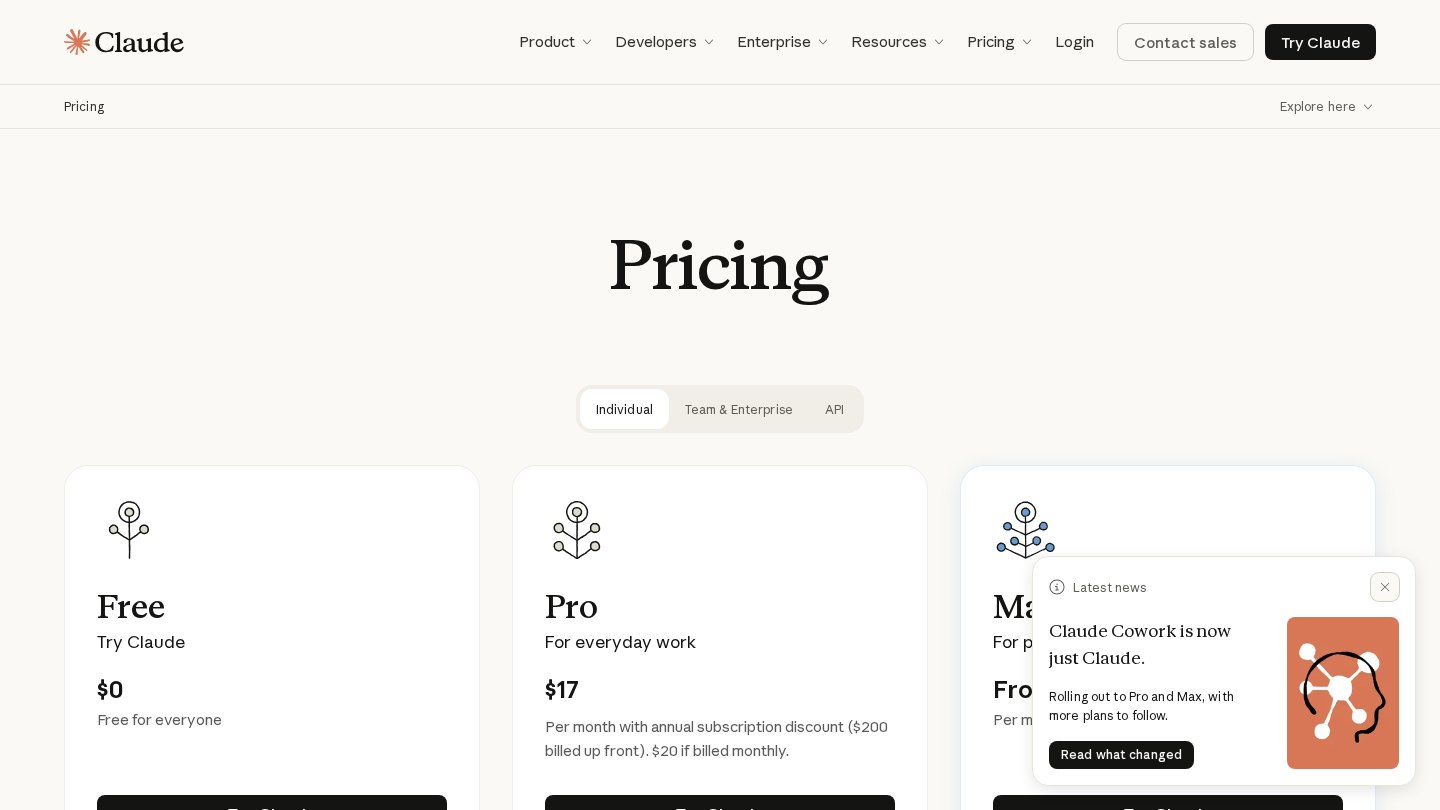
Free includes web, desktop and mobile chat, web search, Artifacts, file creation and code execution, memory and connectors. Usage is limited; up to five Projects are listed, and Research and Claude Code are excluded. Checked Oct 26, 2026
Integrations and compatibility
- Slack
- Google Workspace
- Remote MCP connectors
- Microsoft 365 (paid plans)
- Chrome (paid plans)
Where it fits in a workflow
Collect a project’s reference documents before asking for a structured draft or artifact. Review generated files and code before sharing them with colleagues.
Sources
Strengths
- Keeps related documents and conversations together
- Can create files as well as answer questions
- Connectors bring external context into work
Watch-outs
- Usage caps apply even on paid plans
- Research and Claude Code require paid access
- Individual plans lack organizational administration controls
Alternatives
Related coverage
ChatGPT vs Claude: Which AI Assistant Should You Choose?
Compare ChatGPT and Claude by workflow, tools, and plan fit, then use a practical evaluation to decide which assistant deserves a place in your work.
GuideHow to Build an AI Productivity Workflow
Build a repeatable process for meeting notes, writing, and research, with clear handoffs and human checks before anything is shared.
ReviewClaude Review: Plans, Strengths and Who It Suits
A research-based look at Claude for writing, document work and coding, with practical checks to make before choosing a plan.
GuideA Practical Checklist for Choosing an AI Workflow
Turn an AI idea into a bounded pilot with clear inputs, review steps, ownership, and stop rules.
GuideIntroduction to AI Coding Assistants
Understand what coding assistants do, how they fit into an editor, and why developers still own the result.
GuideHow to Use AI Coding Tools Effectively
Turn coding suggestions into reviewable changes with focused prompts, small edits, independent tests, and clear approval rules.
Listings are editorial and independent. Details that change often are marked “to be verified” until an editor checks them against the official source.