
What is Gemini?
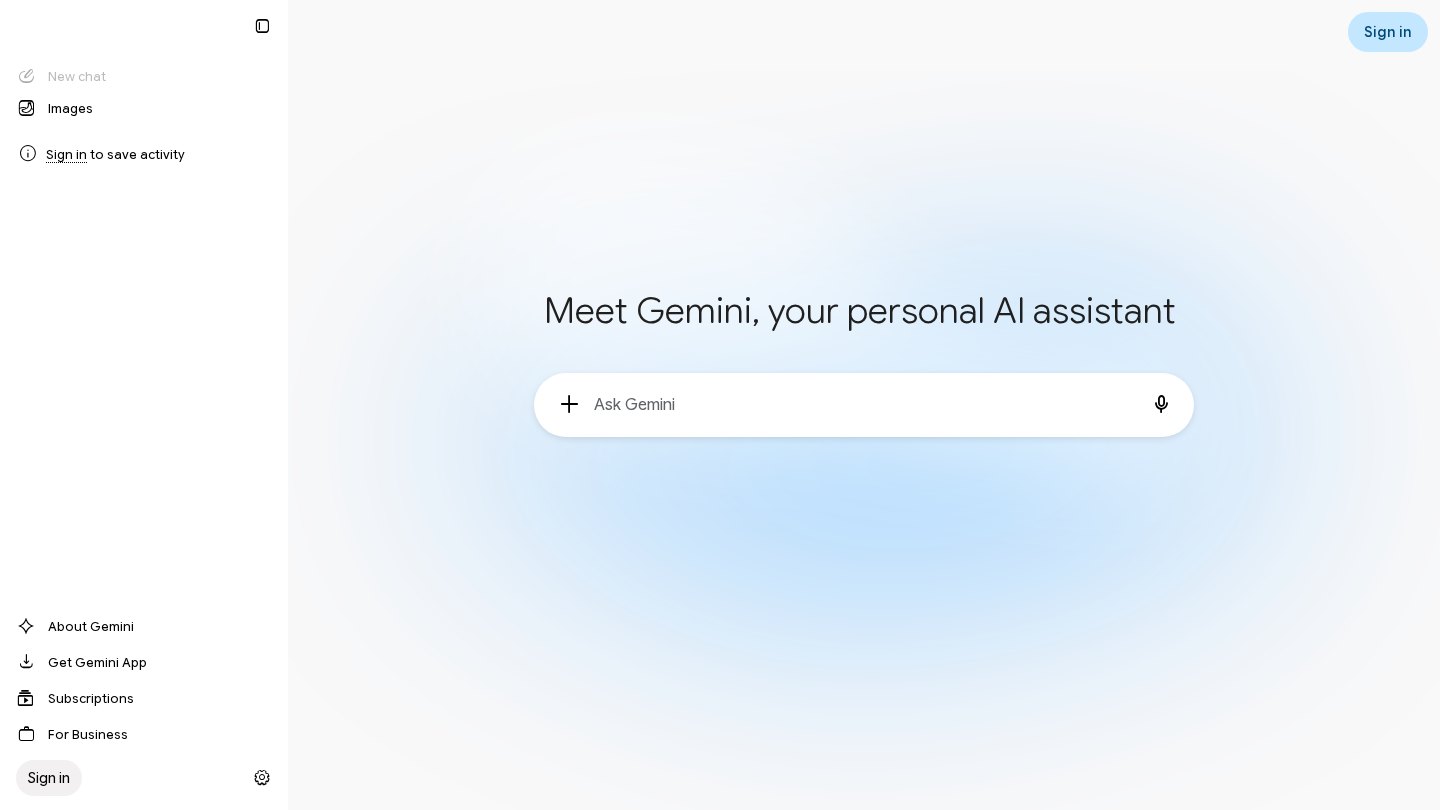
Gemini brings conversational help, Deep Research, image creation and live interaction into Google’s consumer AI workspace. Its practical distinction is access within Google apps on eligible subscriptions, reducing the need to move drafts and context between a separate chatbot and productivity tools.
Key features
- Deep Research
- Gemini Live
- Image generation and editing
- Canvas workspace
- Custom Gems
- Gemini within eligible Google apps
Best for
- Preparing research outlines
- Drafting email and documents
- Discussing ideas by voice
- Creating and revising images
Who it suits
- Google-app users
- Students organizing research
- People who prefer voice-based assistance
Who may not need it
- Teams committed to a different office suite
- Users needing identical features in every region
Free plan
Free with a Google account includes Flash-Lite access, image generation and editing, Deep Research, Gemini Live, Canvas and Gems. Usage is lower than paid tiers; exact per-feature quotas were not confirmed. Checked Oct 26, 2026
Integrations and compatibility
- Gmail (eligible paid plans)
- Google Docs (eligible paid plans)
- Google Sheets (eligible paid plans)
Where it fits in a workflow
Use Gemini for initial research and drafting, then finish work inside the relevant Google app. Confirm which benefits your account and region actually include before subscribing.
Sources
Strengths
- Paid plans connect AI assistance with familiar Google apps
- Free tier includes several interaction and creation modes
Watch-outs
- Features vary by country, language and age
- Higher model and usage access requires a subscription
- Consumer subscriptions should not be assumed to include business administration
Alternatives
Related coverage
Choosing the Right AI Productivity Tools
Choose an AI assistant around a real bottleneck, not a long feature list. Compare output quality, permissions, integration, and the full cost of use.
GuideHow to Build an AI Productivity Workflow
Build a repeatable process for meeting notes, writing, and research, with clear handoffs and human checks before anything is shared.
GuideA Practical Checklist for Choosing an AI Workflow
Turn an AI idea into a bounded pilot with clear inputs, review steps, ownership, and stop rules.
GuideAI Productivity Tools: Types, Uses and Human Judgment
Understand what AI assistants can help with, why their answers need checking, and how to recognize useful help rather than extra work.
GuideHow Large Language Models Work: A Simple Guide
Understand tokens, training, context windows, and why fluent AI responses still need factual checks.
GuideA Practical Guide to Effective AI Prompting
Write clearer AI instructions with useful context, examples, output rules, and a repeatable revision method.
Listings are editorial and independent. Details that change often are marked “to be verified” until an editor checks them against the official source.