
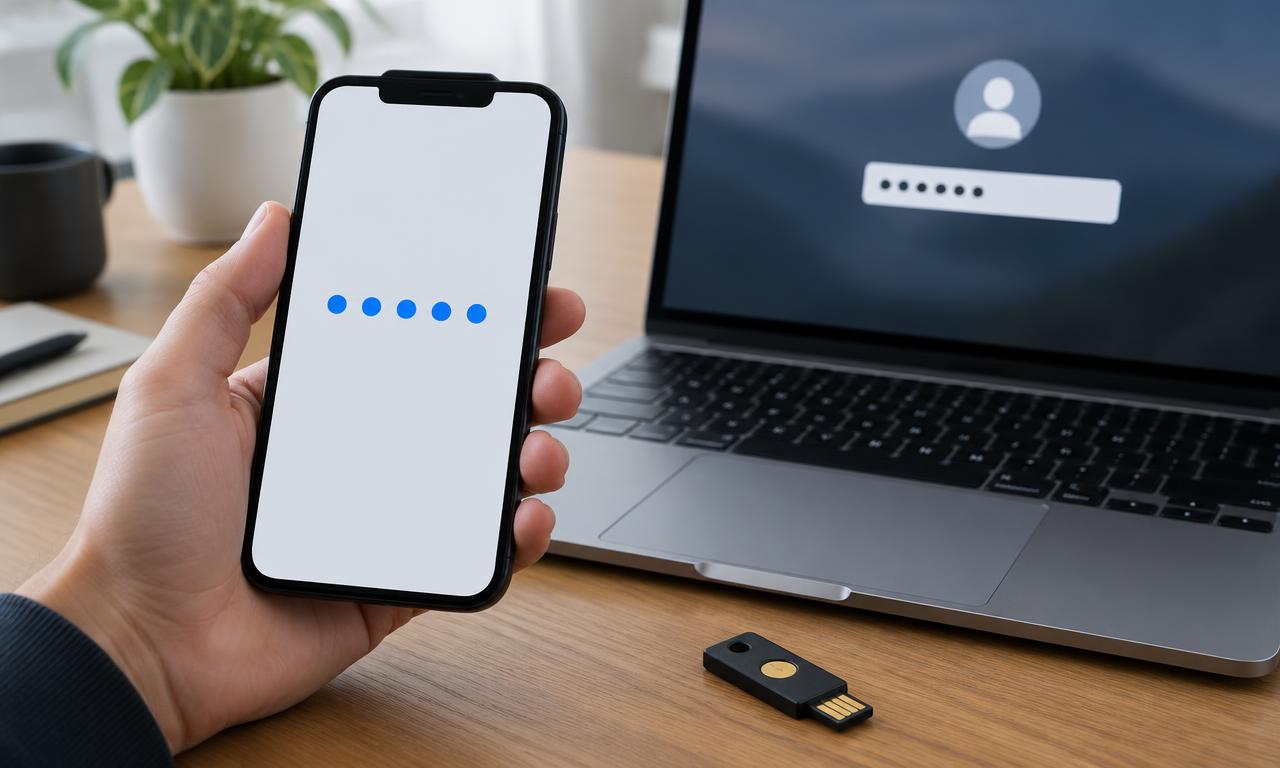
Multi-factor authentication adds another kind of proof when you sign in, reducing reliance on a password alone. This guide explains what counts as a factor, why different methods offer different protection, and how to make stronger sign-ins recoverable when a phone or security key goes missing.
What Is Multi-Factor Authentication?
Multi-factor authentication, or MFA, requires evidence from at least two distinct factor categories: something you know, have, or are. A password plus a device-generated code is a common example. MFA reduces the usefulness of a stolen password, but some methods can still be phished, and account recovery needs its own protection.
What actually counts as a separate factor
A password and a security question are both things you know. Requiring both may add a step, but it does not create two different factor categories. Similarly, a username normally identifies an account rather than proving the user's identity.
Something you have might be a registered security key or a device holding an authentication secret. Something you are might be a fingerprint used to unlock that authenticator. The factor categories describe evidence, not the number of screens you click through.
CISA's Secure Our World guidance recommends MFA as a foundational account protection. Its purpose is to make a stolen password insufficient in more circumstances, not to prove that every subsequent action by a signed-in account is legitimate.
Two-factor authentication is MFA using two factors. “Two-step verification” is a service's name for a sign-in process and may describe different technical arrangements. Look at how the service actually verifies access rather than inferring security properties from the label alone.
Factors also interact. If a phone contains your password manager, authenticator, and recovery email session, it is an important concentration of access. That does not automatically make the arrangement invalid, but it makes the phone's lock, updates, and recovery plan especially important.
Compare the methods you are likely to see
Different methods protect against different failure modes. Availability also varies by account, device, browser, and service, so the strongest advertised method is only useful if you can actually enroll and use it.
| Method | How it works | Important limitation |
|---|---|---|
| SMS code | Service sends a short code to a number | Number takeover and phishing remain risks |
| Authenticator code | An app generates a short-lived code | A fake login page can relay the code |
| Push approval | A registered device receives a request | Unexpected prompts can pressure users into approval |
| Security key | A physical authenticator proves possession | You need a loss and spare-key plan |
| Passkey | A cryptographic credential signs a service-specific challenge | Device and provider recovery need understanding |
| Recovery code | A stored emergency secret restores access | Anyone obtaining it may bypass the usual method |
Authenticator apps often generate time-based codes without a mobile signal. SMS needs a working delivery route and depends on control of the phone number. A push notification requires whatever connectivity and application support that service uses.
A security key may connect through USB or communicate through NFC. Check connector compatibility, browser support, and the account's enrollment instructions before buying one. Not every service accepts every authenticator.
Passkeys can be synchronized through a credential provider or remain bound to a particular device or security key. Treat synchronization, backup, and account recovery as features to understand, not reasons to assume every passkey has identical properties.
Why phishing resistance matters
A criminal with a stolen password may encounter an MFA challenge and stop there. But an attacker can also build a fake login page that forwards your password and code to the real service while the code remains valid.
This is why “MFA enabled” does not describe a single security level. Codes and ordinary approval prompts can improve protection while remaining vulnerable to real-time deception. A request that arrives unexpectedly is not safe simply because it appears in your genuine authenticator app.
Modern passkeys and appropriately implemented FIDO security keys use service-bound cryptographic authentication. Instead of handing a reusable secret to whichever page asks, the authenticator participates in a challenge associated with the legitimate service. That design provides phishing resistance that manually copied codes do not.
Number matching can reduce accidental push approval by requiring a matching value from the sign-in attempt. It should still not be treated as equivalent to every property of a phishing-resistant authenticator. If you did not begin the sign-in, reject it and investigate through the official account settings.
MFA also does not undo every compromise. A malicious browser extension, stolen active session, or attacker-controlled recovery route can create risks beyond the initial sign-in check. Keep device security and session review in the picture.
Set up MFA without creating an avoidable lockout
-
Start with a recovery-critical account.
Why: Your main email or credential-provider account may help recover many other accounts.
How: Open account security settings through the official app or a known address. Check the current password and recovery information before changing authentication methods.
-
Choose the strongest supported method you can maintain.
Why: An unusable setup can push you toward disabling protection later.
How: Prefer a phishing-resistant option where available. Otherwise use an authenticator app or another supported method rather than leaving MFA off solely because the ideal method is unavailable.
-
Enroll and verify the authenticator.
Why: Scanning a setup image is not always the final confirmation step.
How: Follow the service's instructions and complete a fresh sign-in test. Treat authenticator setup secrets and QR codes as sensitive; do not send screenshots to another person.
-
Create independent recovery options.
Why: The primary device might be lost, damaged, or erased.
How: Save offered recovery codes securely and register a spare authenticator if supported. Avoid keeping the only backup inside the same inaccessible account.
Google's two-step verification instructions show how one service offers multiple sign-in approaches and backup arrangements. Other services differ, so follow their current instructions rather than assuming identical menus or recovery rules.
After enrollment, review older methods. Keeping an unnecessary weak fallback can change the protection of the overall account, but deleting every alternative without a tested replacement can cause lockout. Make deliberate changes and verify them before ending your session.
A worked example: one phone, several important accounts
Consider a hypothetical person, Maya, who uses one phone for email, an authenticator app, and a password manager. Her phone breaks during travel. She remembers her main password, but a replacement phone cannot immediately reproduce every registered authentication method.
A weak recovery plan would store the only backup codes in a note available only through the locked account. The codes exist, but Maya cannot retrieve them when needed. Another weak plan would assume that installing the authenticator app automatically restores all secrets.
A more resilient arrangement uses supported backup or transfer options, a securely stored recovery-code copy, and, where practical, a separately registered security key. Maya records which accounts support each recovery route without keeping an exposed list of all credentials.
When replacing the phone, she tests access to important accounts on the new device before wiping the old one. She then removes obsolete device registrations and checks active sessions. This avoids treating migration as complete merely because the phone number moved successfully.
The lesson is not that everyone needs several expensive devices. It is that recovery must remain possible when the ordinary route fails. A printed code stored securely can be useful if the service supports it and the threat model permits it.
Understand trusted devices and shared access
Some services let you remember a device and reduce later prompts. That convenience usually relies on an existing session or stored browser information. It does not necessarily mean MFA has been removed from the account.
Use remembered-device options only on devices you control and protect. A shared or public computer should not become a lasting trusted endpoint. Sign out when finished, but remember that signing out cannot fix an already compromised computer.
For shared organizational access, prefer individual accounts with assigned permissions over circulating one password and one code. Individual access makes it easier to remove a departing person's permissions and understand who performed an action.
If a service does not support individual access, document the limitation and use its approved delegation or team features where available. Do not improvise an informal group chat that permanently exposes passwords, authenticator secrets, and recovery codes together.
Questions About Multi-Factor Authentication
Does my fingerprint get sent to every website where I use a passkey?
In typical device-based passkey implementations, biometric checking happens locally to unlock credential use, while the service receives cryptographic proof. Check the platform's documentation; a separate service that collects biometric information may operate differently.
Is SMS MFA still worth enabling?
It can provide useful protection compared with a password alone when stronger methods are unavailable. Be aware of number-transfer and phishing risks, and move to a stronger supported method when practical without leaving the account unprotected during the change.
Can I approve a prompt to make repeated notifications stop?
No. Reject prompts you did not initiate. Open the service independently, change compromised credentials if needed, review sessions, and use workplace support if the account belongs to an organization.
Do recovery codes expire after use?
Many services issue single-use codes, but the exact rules vary. Follow the provider's instructions and replace saved copies when you generate a new set, since older codes may become invalid.
Add Another Layer to Account Sign-In
MFA makes passwords less decisive, but the method and recovery process determine much of its value. Choose a maintainable stronger option, verify enrollment, and prepare for losing your ordinary device.
Next steps: Put account protection into practice with the personal cybersecurity checklist, compare supporting tools in the security software guide, and explore the Cybersecurity hub.
Sources
- CISA — Secure Our World
- Google Account Help — Turn on 2-Step Verification
This guide is general education, not professional security advice.